When we first started covering so-called “artificial intelligence” (AI), my initial thought was that it would have limited applications in signage and display graphics. What I wrote on WhatTheyThink was that, for most sign businesses, it will be along the lines of what Pat McGrew wrote in January:
business analysis, marketing, and customer service. AI-powered tools assist with predictive maintenance, variable data printing (VDP), and customer behavior analysis. For example, AI-driven marketing solutions allow businesses to create hyper-customized direct mail campaigns that achieve better engagement and ROI.
I also mentioned that other applications could include aspects of digital signage, as explained in an article at Forbes:
AI-driven digital signage encompasses a range of technologies that can change both the way digital signs present information and how people engage with that info. To give an example, imagine a display screen located in a retail store that sells skin care products. AI-powered camera sensors can detect that someone has walked into its field of view and immediately provide a personalized product recommendation based on the viewer's gender, age and browsing behavior.
But I admit that my initial skepticism about AI in signage was along the lines of what sociologist Herbert Spencer called “contempt prior to investigation,” since, the more I dug into the topic, the more sign-specific applications for AI there seemed to be.
Finding Serenity with Adobe Firefly
The primary way AI is being used in signage is, as in so many other applications, to generate images. FASTSIGNS’ graphic designers across the FASTSIGNS Network have been availing themselves of Firefly, Adobe’s AI design tool. Designers will type a prompt describing what they would like to see in an image, and Firefly will generate it.
“In the sign world, we often need vector graphics,” said Patrick Finn, Manager of Production Training for Propelled Brands, the multi-brand platform company of FASTSIGNS. “Now you can use Adobe Firefly to create vector shapes. As someone who used to do a lot of design for years at the center level, one of my challenges was that I wasn’t the best artist. So if I had to draw a sign with an illustration program for my customer, if they didn’t have artwork to supply me—especially things like logos—I had to do all that from scratch. Whereas now we can use AI to create a lot of it for us.”
Finn works with individual FASTSIGNS centers on adopting these tools, and is quick to stress to them that the idea of using AI tools is not to replace human employees, but to help them become even more efficient.
“So my challenge,” he said, “is teaching the designers that you don’t have to be scared of the tool. I think a lot of our designers were worried, one, that it’s going to replace them and, two, they think it could be borrowing from assets that might be stolen.” A big advantage of Adobe Firefly is that it draws on Adobe’s own stock photo library. “You have a lot more confidence that it’s not generating something that’s stolen,” said Finn. “I just try to say, ‘Hey, let it be a tool that reduces some of the repetitive tasks, so instead of taking three hours on a vehicle graphic design, maybe now it takes an hour because it saves you from searching for that perfect image or vector. It can generate it for you so now you can get to the point of being creative and doing what you do best.’”
Off the Wall Ideas
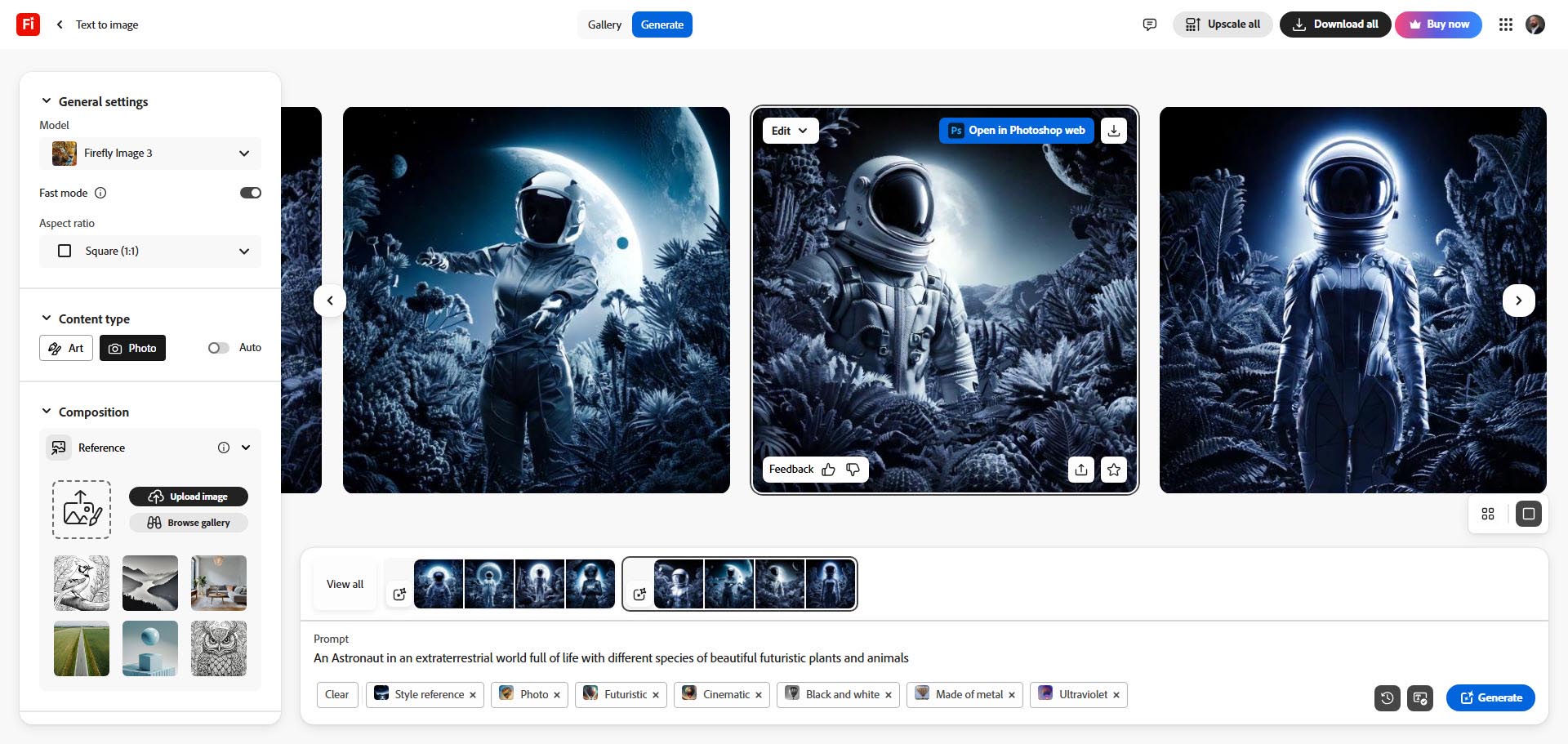
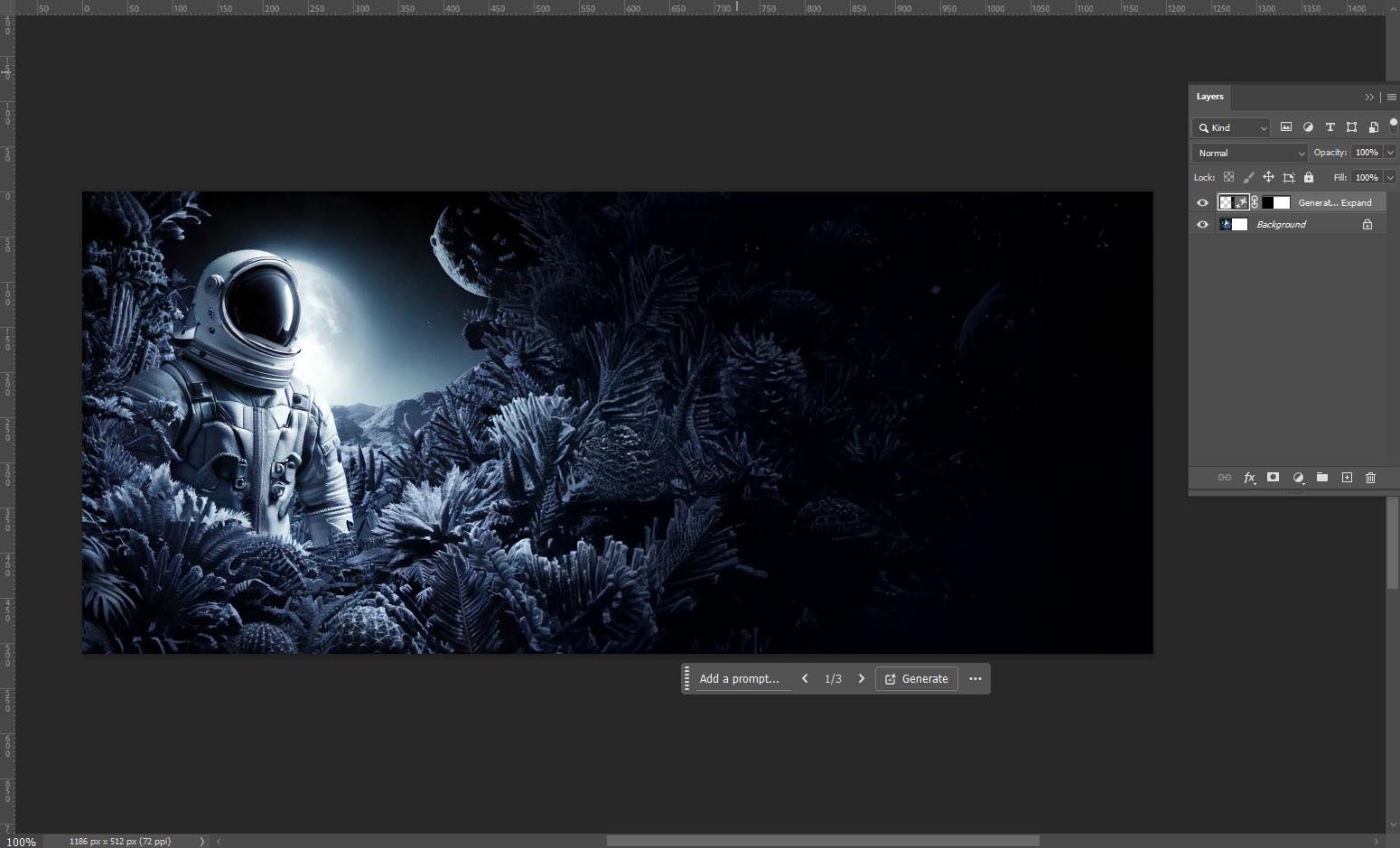
Here’s an example of how the process works. Finn used Adobe Firefly, Photoshop, and Illustrator to generate a wall mural concept for a museum exhibit in a few minutes. Using firefly.adobe.com and a specific prompt yielded a background image:
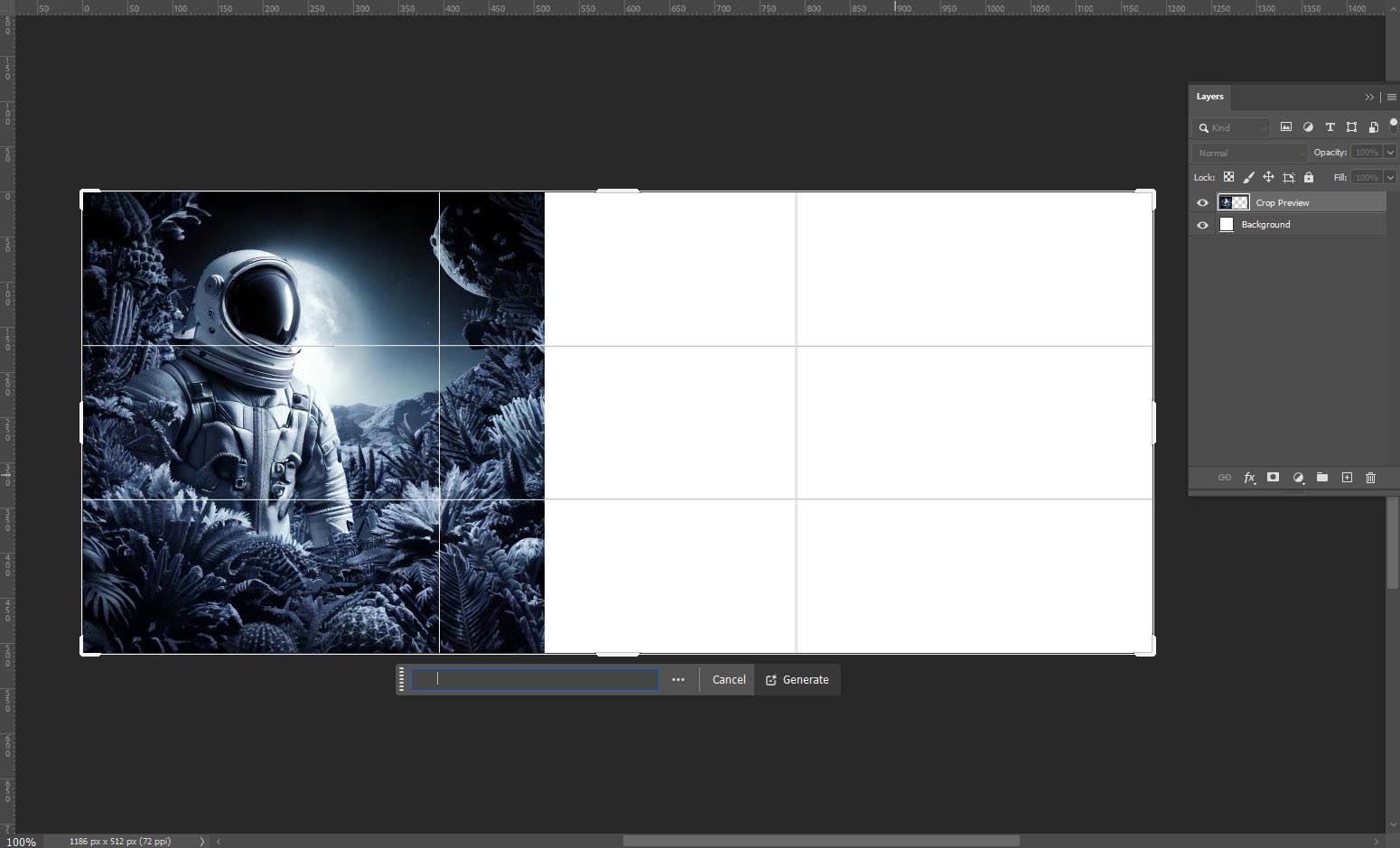
Then, in Photoshop, the image dimensions were adjusted to fit the target mural size:
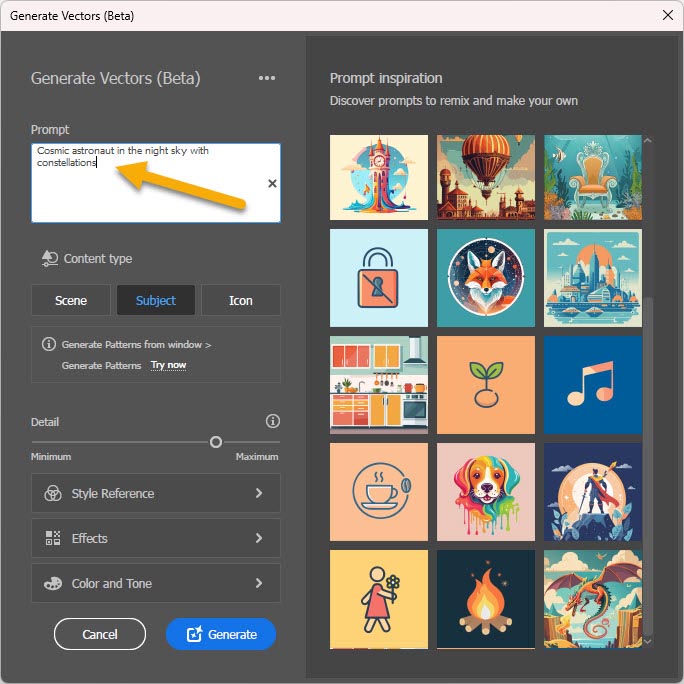
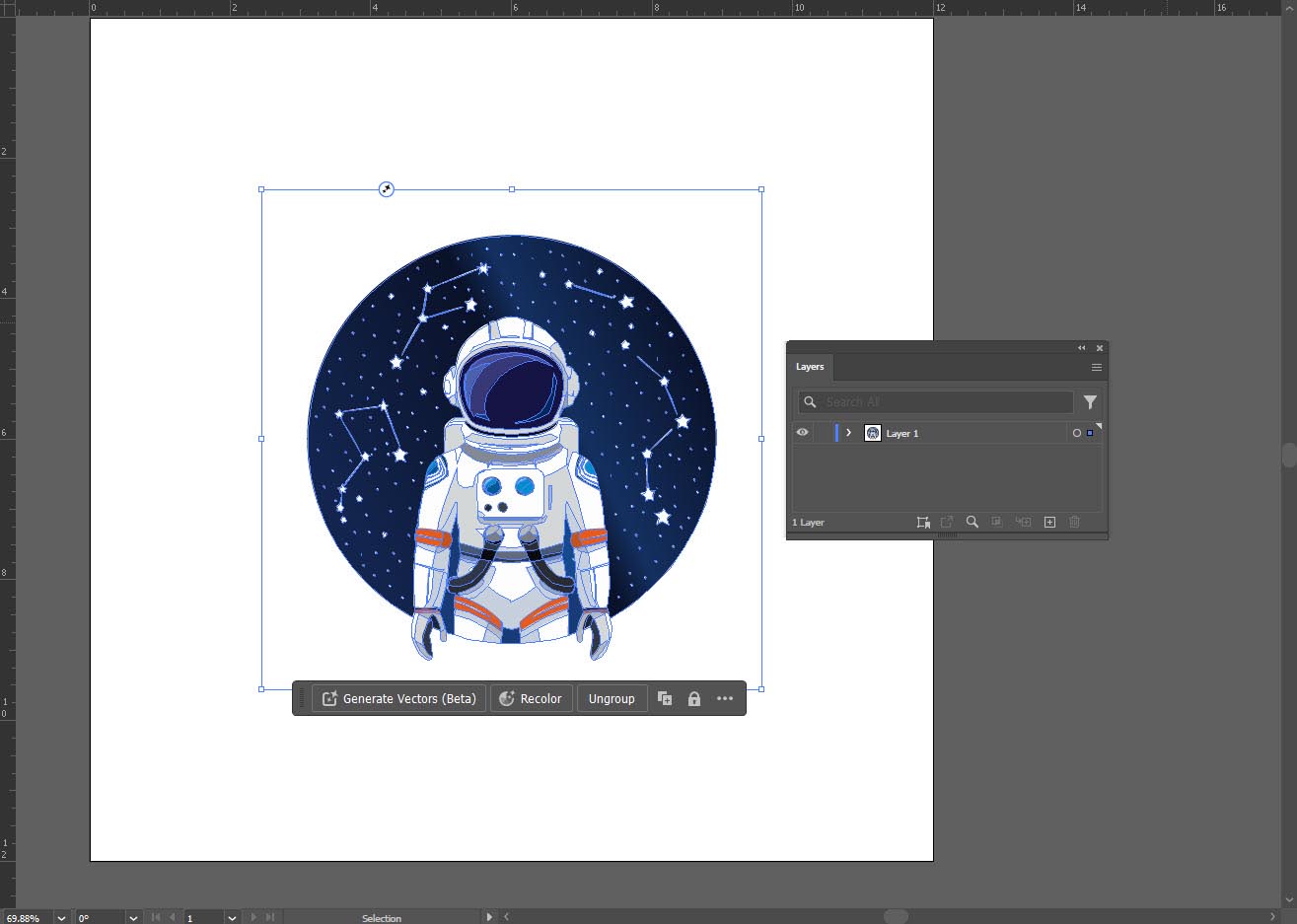
In Illustrator, a vector badge for the exhibit was created based on customer suggestions:
Finally, the vector badge and text were added to the design to complete the mural:
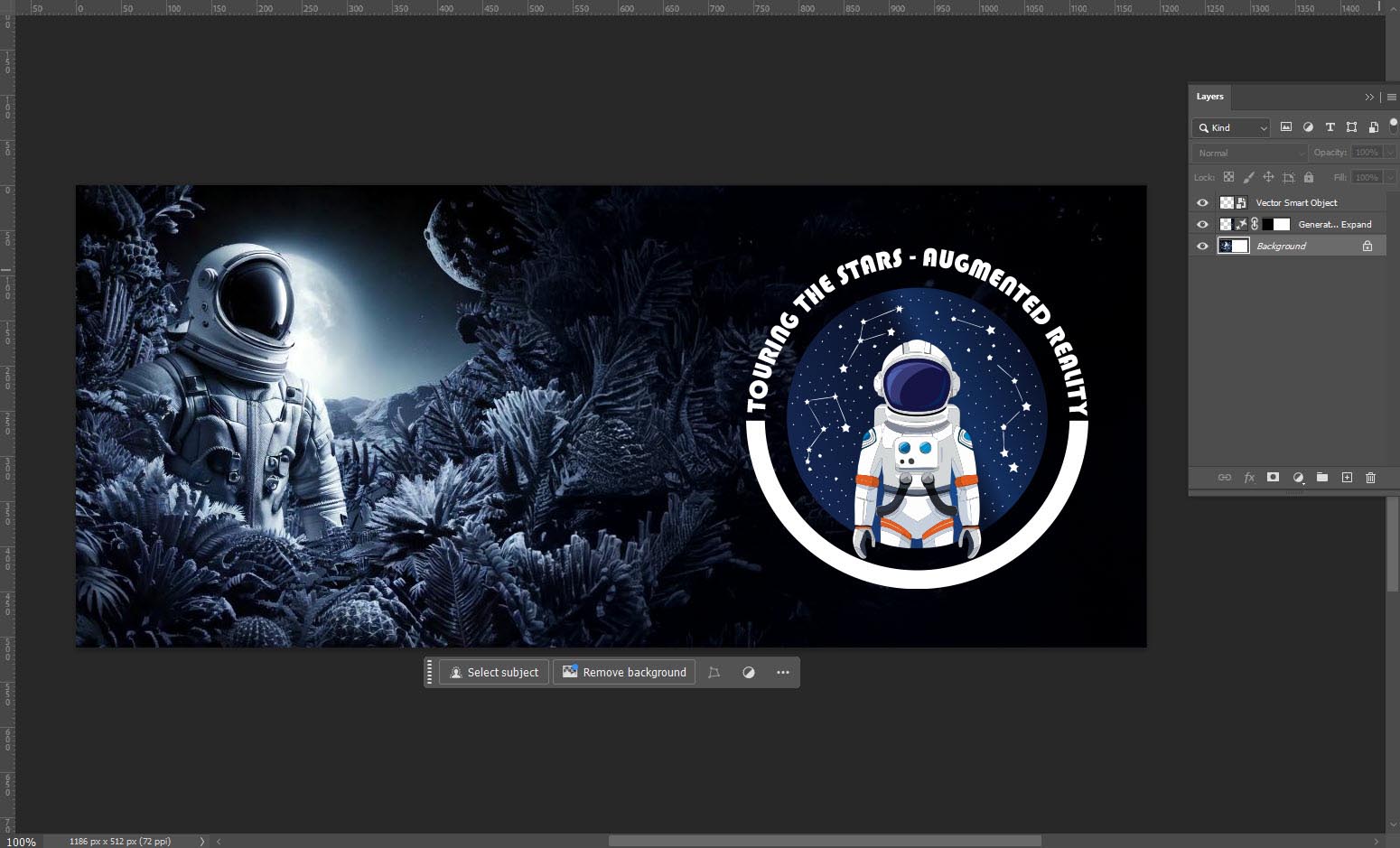
Et voilà—one mural:

(All images courtesy Patrick Finn/Propelled Brands)
Another advantage of tools like Firefly is that they can be used in conjunction with existing automation that Adobe already has—such as, for example, Adobe Actions, which allows you to record the steps you take when doing a certain type of design. Say, for example, it takes seven steps to remove the background from an image. You do it once, record the steps as an Action, then use it like a macro on additional images. So a seven-minute task is reduced to a minute or two.
Beyond De Sign
Propelled Brands, the parent company of FASTSIGNS International, Inc., is also sharing educational resources and training on AI with FASTSIGNS centers, as well as other franchises it owns, on using AI for other tasks as well, such as project management. Any sign business owner will tell you that one major challenge is scaling up the business to take more orders and take on more projects all the while using the same staff, equipment, and hours in a day. Sign shops have their ongoing projects and customers, but volume can surge at any time if a new customer comes in with another big project. How to get jobs done in a timely manner? How to manage the volume?
With Propelled Brands’ JumpStart (Propelled Brand’s proprietary AI Tool), you can teach the AI your particular center’s parameters—the configuration of equipment, employees, etc. “You could say, I have all this equipment, and this number of employees, and it takes about this long to make a sign using each one of these pieces of equipment,” said Finn. “And once you’ve taught the AI, now you can let it be your personal assistant to give job turnaround times.”
JumpStart provides a breakdown of how long it will take to produce the signage. “And then you could even throw curve balls like, ‘we’ve got some people out sick. What if we only have this many people? How does this affect my turnaround times?’” added Finn.
What’s SOP Doc?
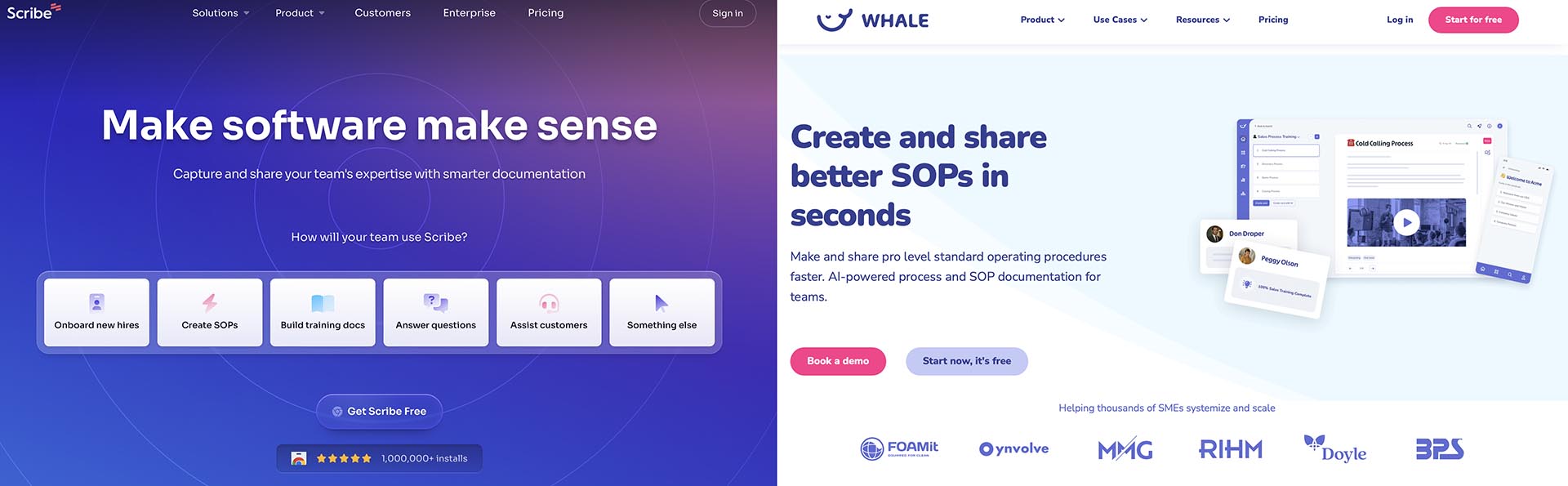
One of the requests that the FASTSIGNS Tech Support team often gets is the need for a “standard operating procedure.” That is, a written or video document of the process for making a sign from start to finish. That may sound simple, but every center—every sign shop—has a different fleet of equipment. Some shops print vinyl on a rollfed device, while others use rigid substrates on flatbeds—or some combination. Then there are different substrates, and of course different configurations of software. How does a large franchise come up with an SOP with so many variables? You guessed it: AI. Not only is there Propelled Brands’ JumpStart or the generic ChatGPT that can write SOPs, there are other AI tools such as Scribe or Whale that are specifically designed to write SOPs. “Let’s say you’re doing a video recording of a process or you’re writing up the process,” said Finn. “Scribe will help clean up your writing, but it’ll also do screen grabs. You can have a full SOP written, and you can share it.”
SOPs are important not only for ensuring that new employees can easily get up to speed, but also for training current employees on different kinds of equipment with which they may not be familiar.
It’s all about improving efficiency, which improves productivity and reduces costs.
ActIng Out
One of the aspects of AI that was covered in a recent live FASTSIGNS webinar, recorded for ongoing use by FASTSIGNS Franchisees and their staff, is using AI in sales and marketing. ChatGPT can be used to develop “should-cost” models and determine how to capture value despite those should-cost models. And tools like SalesPrep.com can be used to train sales staff, preparing them for customer interactions as well as quickly preparing quality call reports to maximize ROI of the CRM system.
Likewise, AI can be used in the sign business. FASTSIGNS is unique in the sign franchise world as its centers utilize outside sales reps, and therefore the franchise offers specific events and programs for those outside sales reps. One strong focus of those programs is helping sales reps improve their sales pitches. And AI is helping with that, as well.
“What’s cool about our JumpStart is you can train it to mimic a certain type of customer or lead you want to go after,” said Finn.
For example, say a sales rep wants to pursue someone who runs a construction business, and that someone is in their 50s or 60s, and thus they have a certain background that differs from someone 20, maybe 30, years younger. So the AI can be trained to “mimic” that lead, and the rep can use it to “role-play”—ask relevant questions to that person and that industry. It can also work the opposite way; an older sales rep can use it to learn to better communicate with younger potential leads. “It gets you to understand the kinds of answers and solutions you’re going to have to have ready,” said Finn. “Then when they go out and they meet with that particular business owner or prospect, they’ve already sharpened their pitch.” It is an effective way to help bridge the generation gap, as well as get a deeper understanding of a customer’s business.
Twin Cities
There are many other uses of AI; it can be used to generate realistic avatars for users conducting training sessions or making training videos, and the AI can even be used to simulate the presenter’s voice and even write its own script. So you could “present” a session without actually presenting a session, or provide an introduction without actually presenting it. For example, our contributor Don Carli used Evatar.ai to create a “digital twin” that introduced his feature elsewhere in this Quarterly. The video imagery, voice, and text were all AI-generated. The first line of the video is “I’m not really Don Carli.”
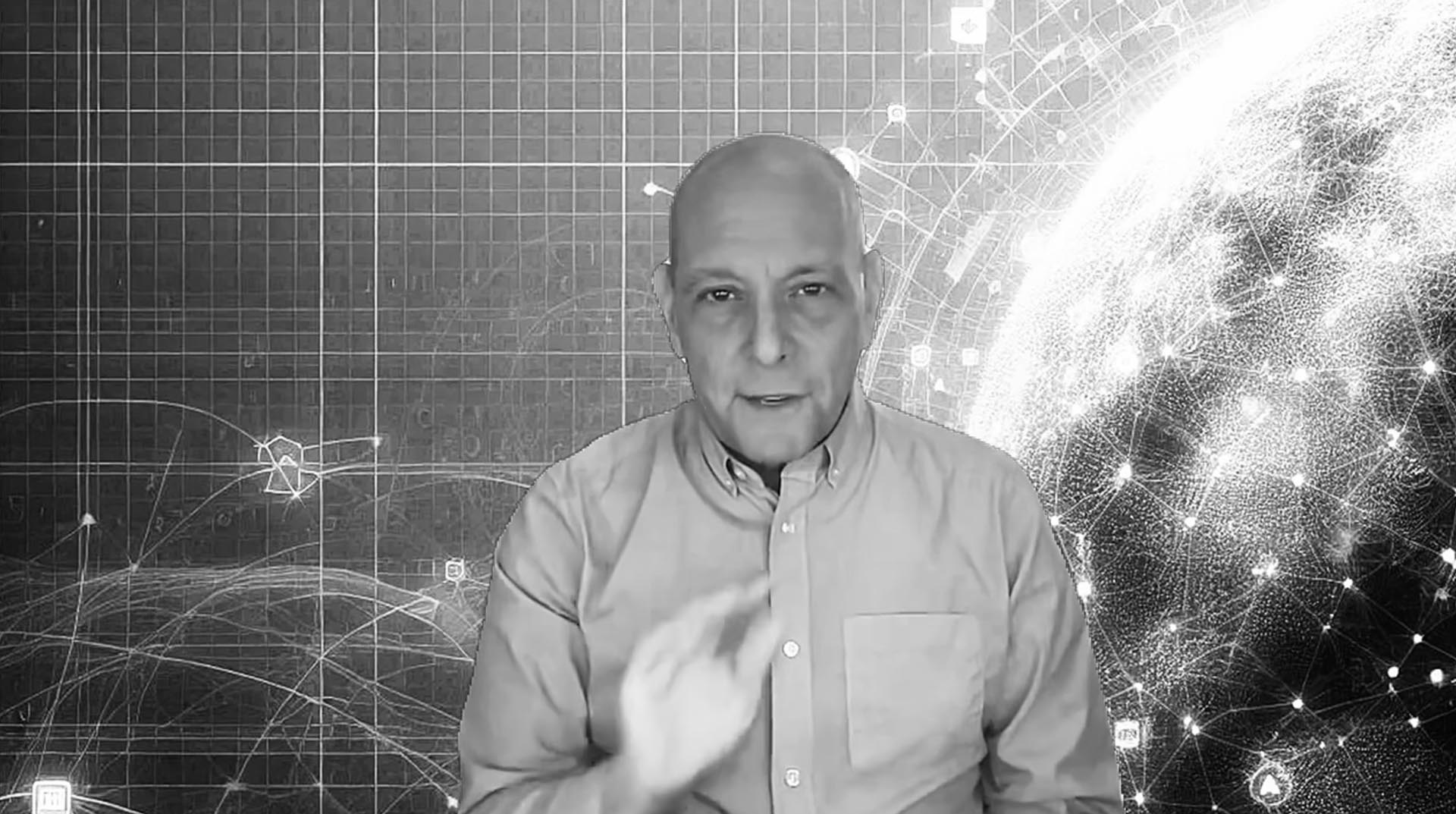
And Propelled Brands’ Finn has, as have trainers in their other brands, used AI avatars in training sessions.
Reality Check
All this is well and good, but are there any downsides to using AI? We’ve all seen those AI horror stories where AI created images with weird artifacts, people with three hands, misspelled text, etc., and this is one reason why it will not be able to totally replace an experienced designer, as the best practice with regard to AI is to have a human overseeing it. (And weird artifacts and other visual errors have turned up in images for ages; we just used to call it “bad photoshopping.”)
While the AI environment today has been progressing largely unrestricted, there could be legal and regulatory ramifications down the road. For example, "if we create an image with AI and sell it as a sign, would we have to eventually add a copyright or notation that says this image was created with AI?" Finn wonders.
In some places, that is already starting. This isn’t signage-specific, but back in January the Author’s Guild introduced an initiative through which authors can certify that their book was written by an actual human and not by artificial intelligence. Wrote The Verge:
The Guild says its “Human Authored” certification aims to make it easier for writers to “distinguish their work in increasingly AI-saturated markets,” and that readers have a right to know who (or what) created the books they read. Human Authored certifications will be listed in a public database that anyone can access. The project was first announced back in October in response to a deluge of AI-generated books flooding online marketplaces like Amazon and its Kindle ebook platform.
There’s even a logo and everything.
Could something like that spread to other forms of graphic communication? The jury is still out.
And then one major concern is simply becoming overdependent on AI. “AI is ultimately a service, and sometimes a third-party service, such as Adobe Firefly, might be unavailable,” said Finn. “And while AI is an incredible tool to utilize in the sign industry, it should never be something we fully rely on to replace our sign making skills and knowledge.
“We’ve been making signs for decades,” he added. “We should be able to do everything we need to do without AI. And using AI, we can be markedly more productive and competitive, and we help our franchisees and their teams do just that.”
But it’s a tool, like all the other tools we use in our jobs, and it can create efficiency and productivity—but can be misused like any other tool.