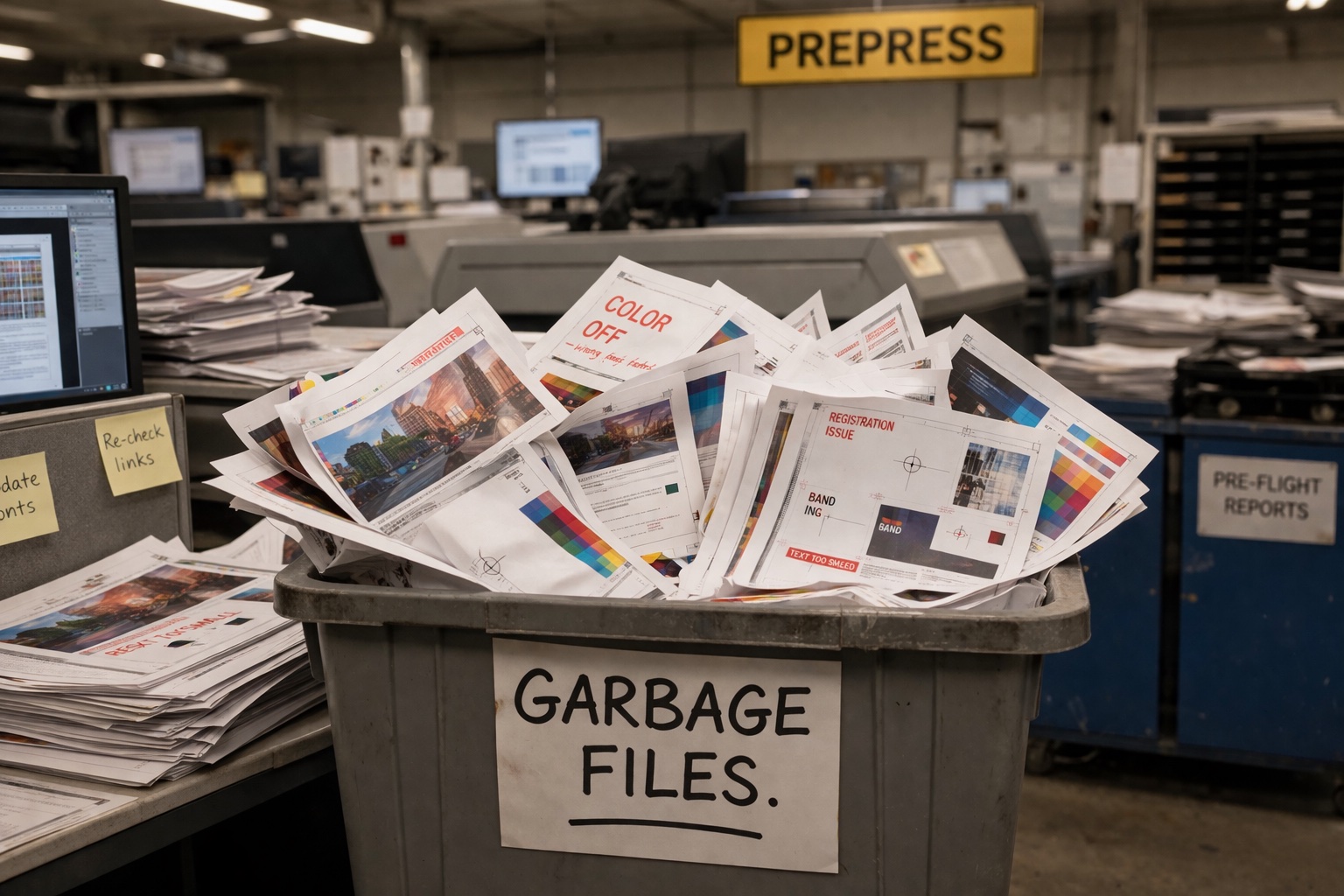
A developer recently wandered into the printing subreddit (r/commercialprinting) asking what seemed like an innocent question: "Do you have a system for dealing with customers who send garbage artwork?"
Wrong DPI, RGB instead of CMYK, no bleed, PowerPoint exports, phone photos of logos—the usual suspects. The developer wanted to know: Do shops have automated checks? How many back-and-forth emails does a bad file typically cost? Has anyone tried software for this?
What followed was a bit of a free-for-all on what happens at individual shops when bad files show up. The comments were voluminous, and users were split into different camps on the best way to handle the headaches.
The “Garbage In, Garbage Out” Camp
The top-voted response came from a user who keeps it simple: "Send them a digital proof right back with a warning about quality problems. If they approve, then it's on them if they don't like the output. Garbage in, garbage out."
One freelance designer chimed in to say they actually appreciated this approach early in their career: "You’ve got to learn the lesson somehow." But they added a caveat: "I would hesitate to do something like that on a huge print run if it's a young designer. There are expensive lessons, and then there are lessons that can cost you your job."
The original commenter pushed back: "Then a smart designer would take heed and fix the warnings the printer gives. Most reputable printers want the end result to come out good and will provide advice on how to fix problems."
The “We Fix It” Camp
Not everyone subscribes to the tough-love approach. A union shop owner wrote: "We don't subscribe to the 'Garbage In, Garbage Out' model. That's for low-priced gang run shops and the bottom-dollar copy shops that will be out of business the next time the economy turns."
Their reasoning? "Anyone can track our union label and see exactly who printed the job. Therefore, we always make sure any work that leaves our shop is top-quality." Their shop gets assets before issuing estimates, accounts for any cleanup work, and fixes files themselves if clients can't provide better material.
Another commenter agreed: "You create the best product possible—leave the #!%$& print to Vistaprint. That's what they're good at.” Typically, he said, if he can fix the issues within 20 minutes or so, he takes care of them himself and sends the file back for proofing with a note on what he changed. “I don't understand why print shops are okay with letting low-quality work go out the door. Customer approved or not, it's a bad practice."
One prepress tech summarized her approach: "If something is amiss, like bleed for instance, I'll go to my bag of tricks to see if I can fix it. If it's something I can fix in less than five minutes, I just do it. But if I need to do any kind of manipulation to a file that alters how it looks in any way, I will send [the customer] a proof."
The Canva Problem
When asked about the most common and annoying issues, one designer didn't hesitate: "Right now, it’s Canva. As in people with no design experience using it to create their print files. It's free/cheap and very beginner-friendly, so we're seeing it more frequently, but it's a huge pain on the production side. It’s such a problem that we have a specific upcharge for dealing with their files."
What Canva users don’t understand? "The platform seems intended mainly to generate social media content so things like image resolution and bleeds are not a focus."
Multiple commenters mentioned having specific guides for exporting usable print files from Canva, with one recommending: "If they mention Canva during the quote, we let them know the dimensions needed for the file, the color space (CMYK), and that they need to flatten the PDF while exporting so fonts will be correct."
The Pragmatist Middle Ground
Several commenters landed somewhere in the middle, with systems that depend on the client, the job size, and the complexity of the fix.
One prepress operator laid out their triage system: "Bad dpi? If the client is okay with it, then I will just run it. Most people don't care. RGB? If we’re printing digital, then who cares? As long as colors are not neon or super bright or extremely out of gamut, it's usually fine. No bleed? Usually a 5-10 second fix. PowerPoint exports? If printing digitally, this matters a lot less."
This commenter’s philosophy: "You do this long enough and you realize majority of [customers] don't care for the technical nonsense. Most don't demand perfection and just want an easy solution that will get them their order."
Another shop owner put it even more bluntly: "I don't expect my customers to have their files print ready. That's my job. I spend two minutes doing it myself and they are very happy." When someone suggested charging more for that service, the owner responded: "Nah, I like taking care of my customers. That's super valuable. I've taken over all the competition in my city."
The Software Question
As for the developer's original question about software solutions, several commenters mentioned existing tools: Xerox FreeFlow Core, Fiery Job Flow, PitStop, PDF2Press by Aleyant, and Good2Go were all called out as options for automated preflight and common file fixes.
One Reddit user noted: "There's no shortage of software solutions out there. The challenge is in getting owners to lean into them and to get their staff fully on board with using a standardized process."
But another was wary: "I am terrified of going 'lights out automation' from a consistency and accuracy standpoint. There are very, very few parts about the print industry I trust, and I have yet to find a solution with a team behind it that actually cares and can back up their claims with code."
One frustrated designer went DIY and had ChatGPT code a custom Python app to inspect PDFs, generate proof PDFs with issues listed, and send the report back to clients. "It cut hours of back and forth," this person wrote. "As a designer, it was the best $200 I've spent so far."
The Overseas Comparison
One observation stood out: "Send a crap file to an overseas printer and they'll quietly fix it before sending a proof. They consider it part of their job, not the client's. It’s a different mindset. It makes working with them super easy. The competitive edge they earn with this kind of service is . . . well, it's not even close."
No one really argued with that.
What the Thread Reveals
Reading through the responses, a few patterns emerged:
- High-end shops tend to fix files and build that into their pricing. They see quality control as brand protection. Budget shops are more likely to print what they're given and let customers approve or reject the result.
- The 15–20-minute rule came up repeatedly. If it's a quick fix, most shops participating in the discussion “just do it.” If it requires significant work, they quote it separately or kick it back.
- Canva has become the new universal headache, replacing the old complaints about Microsoft Publisher and PowerPoint.
- Software exists, but adoption is inconsistent. Some shops are nearly lights-out automated. Others still eyeball everything manually.
- There's real tension between "educate the customer" and "just handle it." Both camps genuinely believe their approach is better for business.
The developer who started the thread? One might legitimately suspect they were trying to sell software, not genuinely asking. One Reddit user called them "yet another snake oil huckster who thinks his AI tool can swoop in and save the world."
Welcome to the commercial printing sub-Reddit, where even a simple question about file handling turns into a debate about business philosophy, customer service strategy, and whether Canva is a democratizing force or a scourge on print quality. The only thing everyone agreed on? Bad files are just part of the business: “You deal with it your way and I’ll deal with it mine.”