Ryan McAbee, Pixel Dot Consulting
It is hard to find anyone who argues against automation. Automation is the use of software and other assistive technologies to perform required tasks to minimize the use of human capital. Let the digital and physical robots do the work, leaving humans to excel at creative, value-added tasks. Successfully implemented, automation frees labor, increases efficiency, and optimizes resources, including people, materials, time, and costs.
Levels of Automation
IBM provides a good framework for understanding how to implement the different types of automation. There is basic automation that takes simple, repetitive tasks and automates them. In printing, this can be as simple as creating a process to move customer-uploaded files into a workflow hot folder to start processing. Another example is using robots or co-bots to load/unload paper or retrieve material from the warehouse.
Process automation is the second level, where multi-step processes are automated by integrating multiple systems by exchanging information or data. Most print workflow management solutions operate on this principle, where one process is linked to the next and the data or files flow sequentially through each step. Submitting the customer’s file for preflighting, optimization, imposition, and submission to the printer’s digital front end (DFE) is an example of process automation in printing.
The highest level of automation is intelligent. It combines artificial intelligence (AI) with machine learning (ML) capabilities so the machines learn and make decisions based on past situations encountered. It may also incorporate rules-based automation processes. Print inspection systems use a combination of visual inspection hardware, ML-enabled software, and feedback from operators to identify, classify, and fix print defects.
Why Print Automation is Hard
Why is every print shop not fully automated? Automating print is hard! First, printing is not a process where each product is essentially a carbon copy of the one that came before. Printing is small-batch, custom manufacturing where each job can vary with the next so that each product may require unique processes. Only when processes are understood, documented, and streamlined can any of the three levels of automation be implemented.
After reviewing your current workflow, you should have a thorough understanding of the processes needed from the point of accepting the customer’s request to the delivery of that order. All covert processes — the sticky notes, excel sheets, and siloed pieces of information — have been uncovered and eliminated. These cross-departmental conversations also revealed the most significant gaps and bottlenecks. The challenge is understanding which processes to automate and in what order.
The choice is as much psychological as analytical. Famed personal finance author Dave Ramsey understood this when he created his get-out-of-debt program. He recommends paying off the debt with the smallest balance first. In contrast, many other financial experts recommend paying off debt starting with the one that carries the highest interest rates. Ramsey understands that new habits start with small wins that lead to repeated behavior. A quick win makes a noticeable improvement to the problem and conditions us to trust the process and continue the path.
Automate This First
How do you identify your next point of automation? Start with the one that can be implemented the fastest and still addresses a specific problem in the workflow. The choice is unique to your print shop and identified in the previous process discovery steps. Odds are this will not be your first automation effort. In fact, prior automation efforts may have created a negative stereotype with your staff as complicated projects that did not provide much value. In these situations, staff need to see the benefit of this single point of automation, understand it was not as disruptive as originally thought, and erase any fear that it will replace their value within the organization.
Many workflow processes offer outsized benefits when automated like the following suggestions:
- Triggers to start processing customer-uploaded files as part of the job onboarding.
- Address process for postal optimization.
- Automatic imposition using templates or intelligent imposition using AI.
- Creation of the workflow job ticket from the print management system.
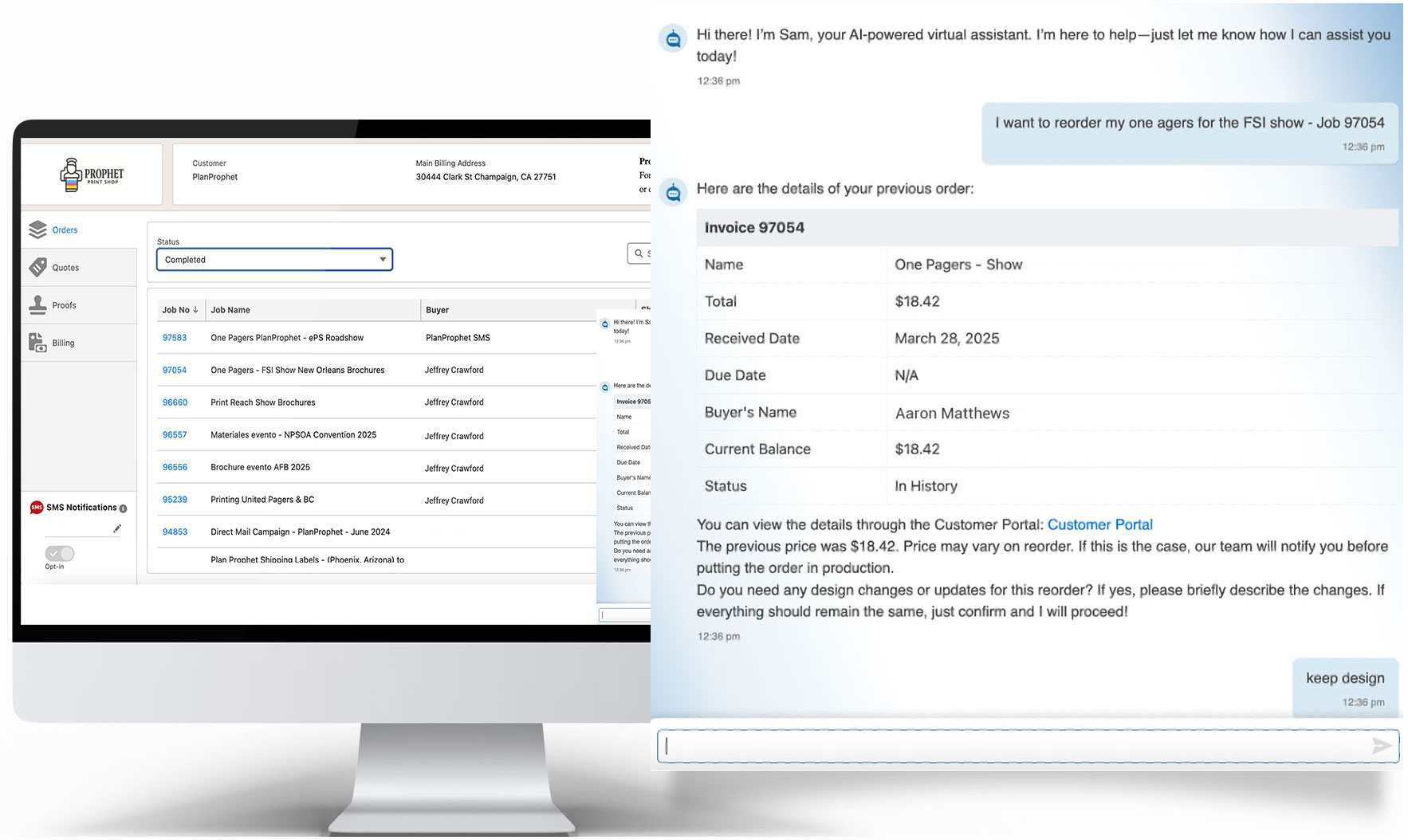
- Integration of online storefront orders with the print management system.
- Ink/media/color presetting from the prepress workflow to the DFE, computer-to-plate, or printer.
The key is to start with problems that require basic, single-process automation.
Automate That Next
Multi-step processes require more effort and are the areas to automate next. These are larger projects that require integrating multiple software solutions and exchanging data to make them work. Connecting online ordering with your print management system and workflow management solution to process customer supplied files from submission through to the DFE is an example of second-level process automation.
These projects typically require months to implement, often with professional services and support from your vendor partners. Multi-step processes also benefit the most from AI and ML techniques, where data can be leveraged from multiple solutions for more sophisticated levels of automation.
Automation is a continual process. Challenges and opportunities evolve with your customer base, product set, equipment mix, and technology platforms. Creating a culture of change that embraces automation is critical. The first decision is to automate but do not let decision paralysis regarding where to start set in. Use your team and insight gained from your process discovery to get that quick, first automation win. Then never stop automating!