- Industrial inkjet environments are typically fearless. They often understand the behaviors of the different types of print modules and the inks they support, allowing them to build print environments that create differentiated options for their clients. They understand the potential interactions and may have alternative solutions to meet a client’s requirement.
- Hybrid print environments usually build an internal knowledge base that helps them determine which substrates, which analog print types, and which inkjet solutions work best together. That knowledge is essential in helping to guide clients to a viable solution for hybrid printing that ensures color consistency across technologies as well as durability.
- Production environments are often devoted to speed, so enhancement solutions appropriate to the needs of production customers will be easy to set up compatible with substrates and inks typically found in these shops.
Adding Varnish
At the highest level, inkjet printing involves jetting ink onto a substrate. The ink and paper each have chemistry that interacts. Adding additional chemical components, like varnishes and other coatings, is possible, but consult with your vendor. Not every varnish or post coating is appropriate for every inkjet print environment. Just because a varnish works in one setting does not guarantee that it will work in another vendor environment. It may not even work with a different substrate.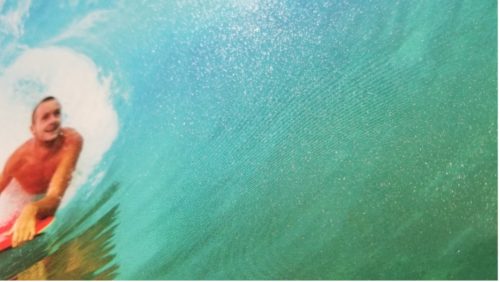
Varnish for Highlights (Harris & Bruno)
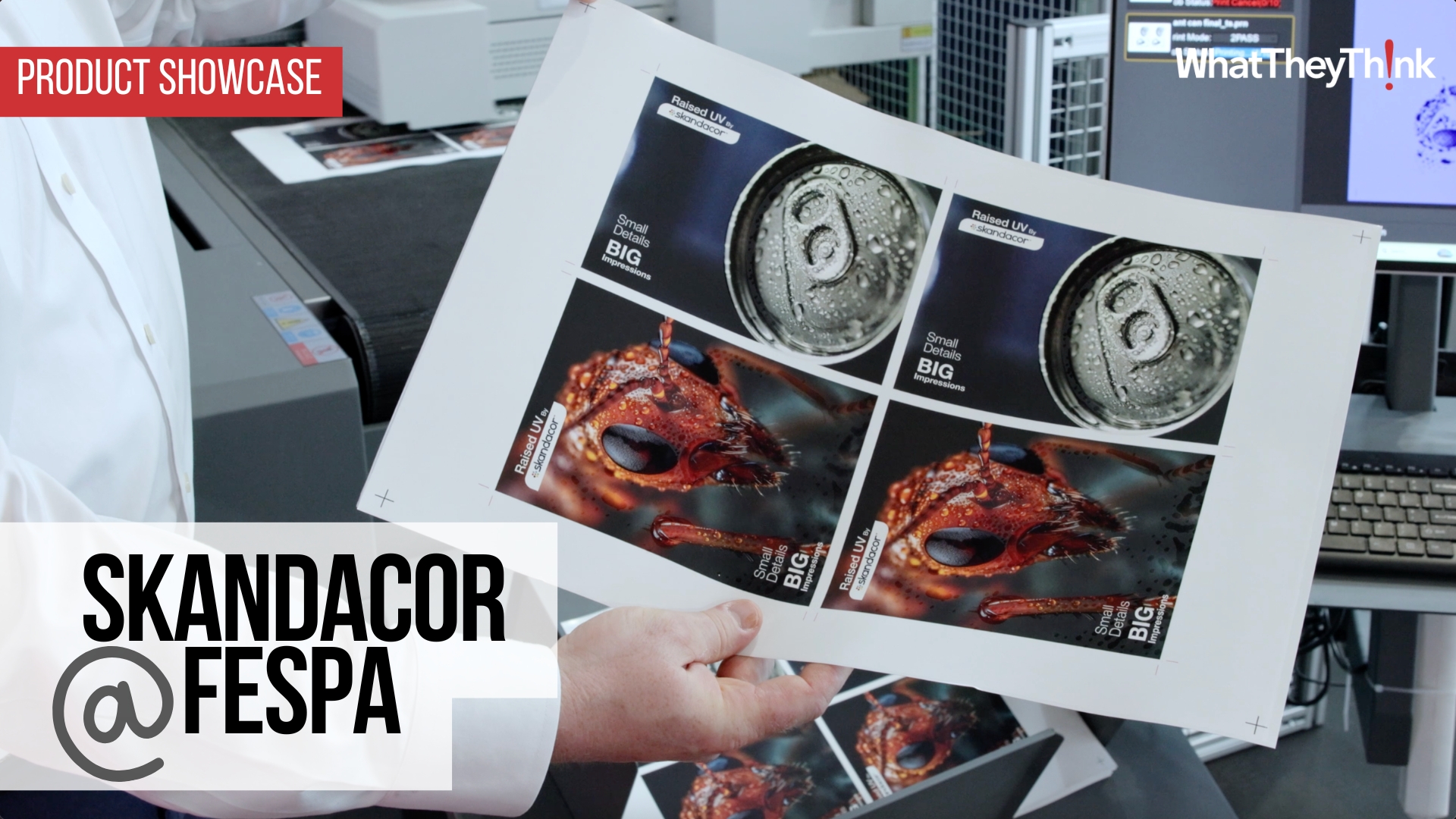
Your hardware vendor may already have published guidelines on how to work with varnishes. Some have partnerships with companies like Harris & Bruno, Duplo, Scodix, MGI or others who can guide you to the best substrates and options for adding gloss, matte and texture to your print. Some have options for spot varnish to call out specific content. Your path to using varnish as an enhancement is to ask questions.- What partners do you work with?
- What are your recommendations for gloss and matte varnishes?
- Do you support spot varnish?
- What are the substrates that work best?
- What are the environmental guidelines? Do I need to keep the print at a specific temperature before or after the varnish is applied?
- Will the varnish change the underlying colors?
- What are the signs that the varnish I’m using is not compatible with my print?
- Is the varnished material recyclable?
- What are the storage requirements for the varnish?
- How do I dispose of unused varnish?
Texture and More
Enhancing with Texture (MGI)
Anything that adds a tactile sensation to print is an enhancement. Soft touch coatings, grit and glitter, foil and scent are all options. Beyond the tactile solutions are options for die-cutting and origami folds. All are available in the world of inkjet, but testing is required. This is where your hardware vendor should be able to direct you but take time to do your own research.Ooh, Shiny!
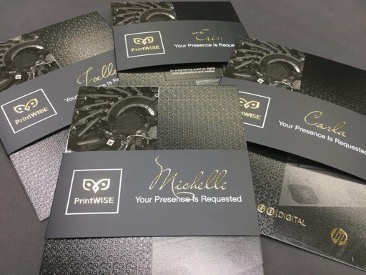
Digital Foil Enhancement on Direct Mail (Scodix)
Another area to investigate is how you might add options for die-cutting or laser-cutting to add knockouts. Many printers have discovered that for some projects this is an attractive option to marketers. Consider a marketing brochure with a flap that shows the product as a cutout. Consider hospitality mailings that include peek-a-boo windows from the cover of the brochure into the hotel or resort. Any product or service brochure can be more intriguing with cutouts! Don’t forget options that add white or vivid neon colors as a new layer! Once you have command of your options for adding enhancement to your environment, it’s time to test the waters. Most vendors can help you set up pilots and tests that will show your customers a range of ideas. Enhancement is a high margin option, so investing time into the testing and marketing pays off. Think about these options:- Adding varnish to direct mail pieces to spotlight products or content blocks.
- Adding soft touch over coating to marketing brochures.
- Add foil to direct mail or catalogs to create a luxurious impression.
- Adding texture to catalog covers and interior pages.
- Adding cutouts to product brochures.