
Layers, Prep, and the Power to Visualize
 Unknown to them, designers live in layers, visual layers. Whether it’s Illustrator artboards stacked with vector paths, Photoshop masks and adjustment layers, or InDesign spreads with linked assets, layers are a designer’s visual language of stacking, blending, and organizing visual intent. Designers create visually and require a WYSIWYG based workflow. But when it comes to print embellishments, foil, raised varnish, dimensional textures and gloss differential design, the layer and visual game become more challenging for designers to prepare, visualize, all while hoping the design will be produced correctly.
That’s where the confusion begins. Creative vision collides with RIP logic, and designers are asked to think like prepress. Spot channels must be named correctly, overlays must align, trapping must be considered, and transparency handling becomes critical. Without clarity, embellishments risk becoming a burden of expensive mistakes instead of tactile design.
The Layering Maze
In standard CMYK workflows, designers rely on predictable separations of cyan, magenta, yellow, and black to behave predictably. But embellishments introduce specialty channels—foil, gloss, raised effects which don’t exist in the default design palette.
- Foil layers: Built as vector spot colors, often named “FOIL” or “METALLIC.” They must be 100% solid fills, not gradients, and they need pixel?perfect registration with underlying artwork.
- Varnish layers: Typically, transparent overlays. They require careful trapping to avoid bleeding into CMYK areas, and designers must understand how varnish interacts with substrate reflectivity.
- Raised effects: Demand thickness awareness. A 0.5pt line might collapse under curing, while a 10pt block could misregister. Designers must balance tactile impact with production.
Navigating the Embellishment Workflow
Most design suites offer little guidance when it comes to preparing files for print embellishments. Designers frequently handle the manual naming of spot color swatches and the construction of overlay layers, relying on the printer’s RIP system to accurately interpret their intended design.
This process can feel like designing blindfolded without clear instructions or visual feedback, it’s difficult to ensure that the final output matches the final intent.
Blinding Creativity
Even if the layers are correct, designers face another hurdle, visualizing the effect.
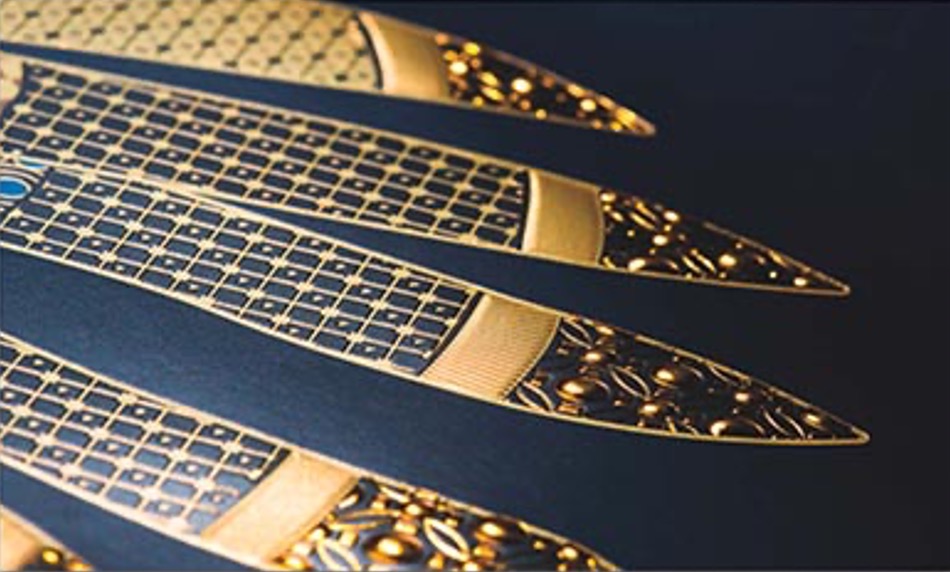
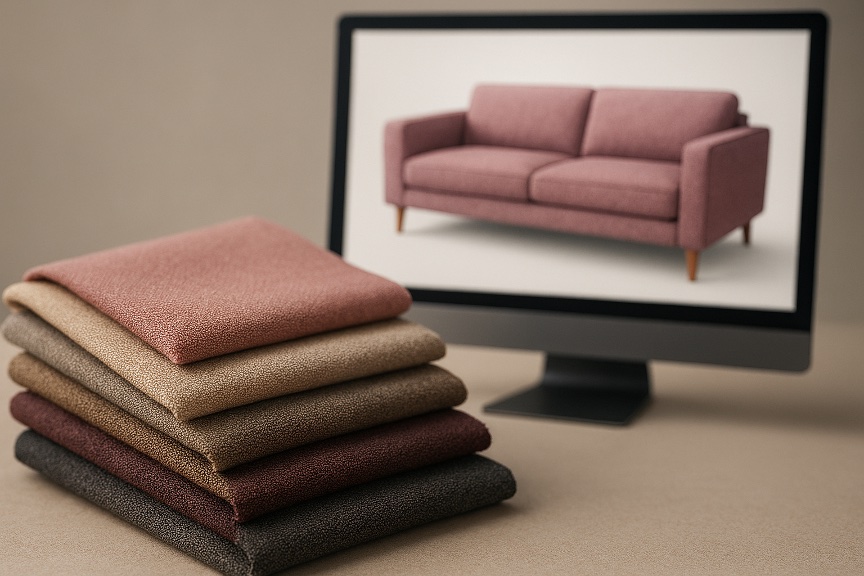
A flat PDF can’t show foil shimmer or raised varnish depth. Clients ask, “How will it look?” and designers are forced to say, “Imagine it.” That’s not enough in a world where digital mockups can simulate fabric drapes, wood grain, lighting, and even foil.
This preview blind spot creates hesitation. Designers second?guess embellishment choices. Clients hesitate to approve. Printers end up stripping embellishments out of jobs because no one feels confident in the outcome.
Designing Beyond Ink and Paper
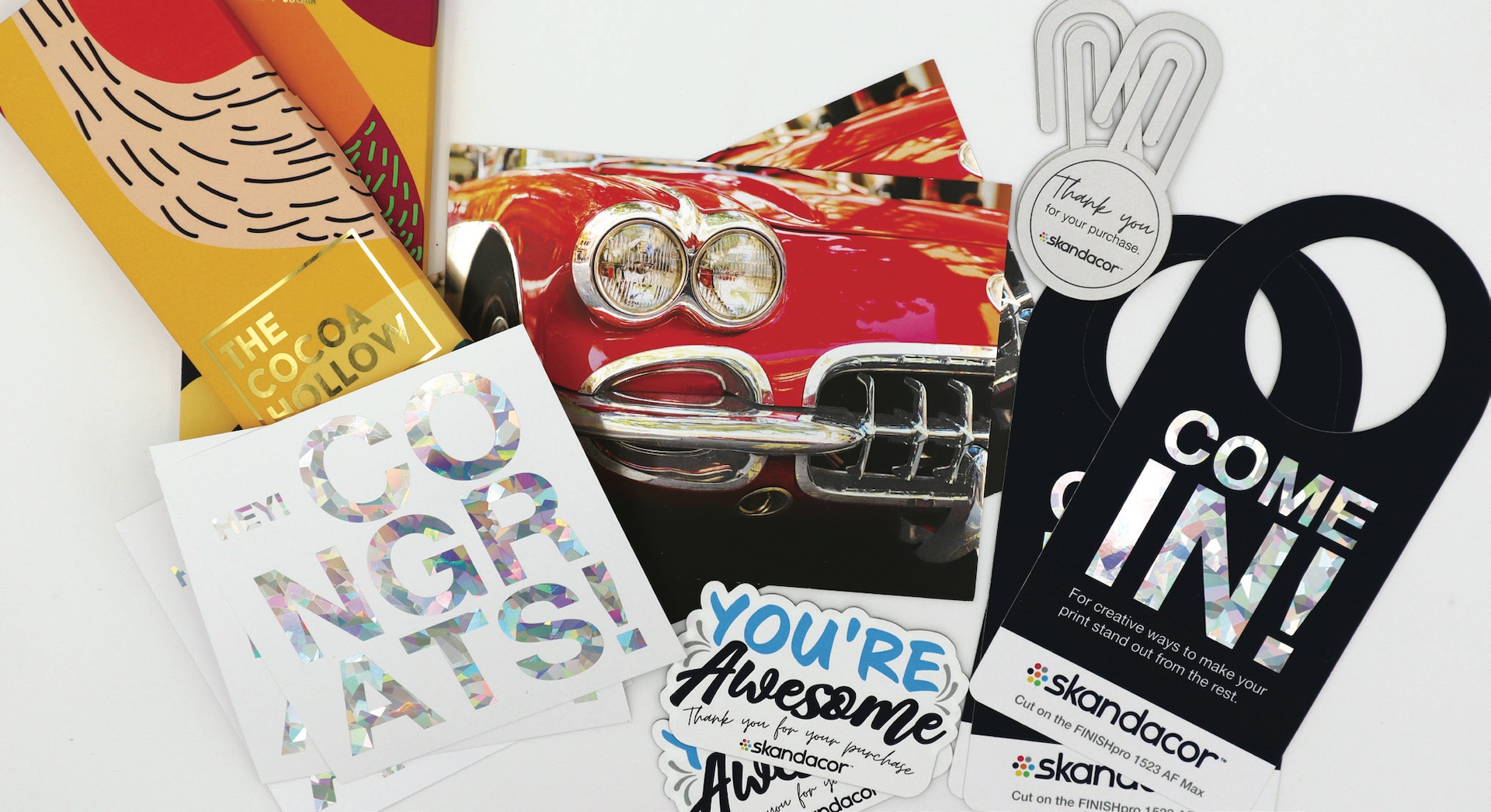
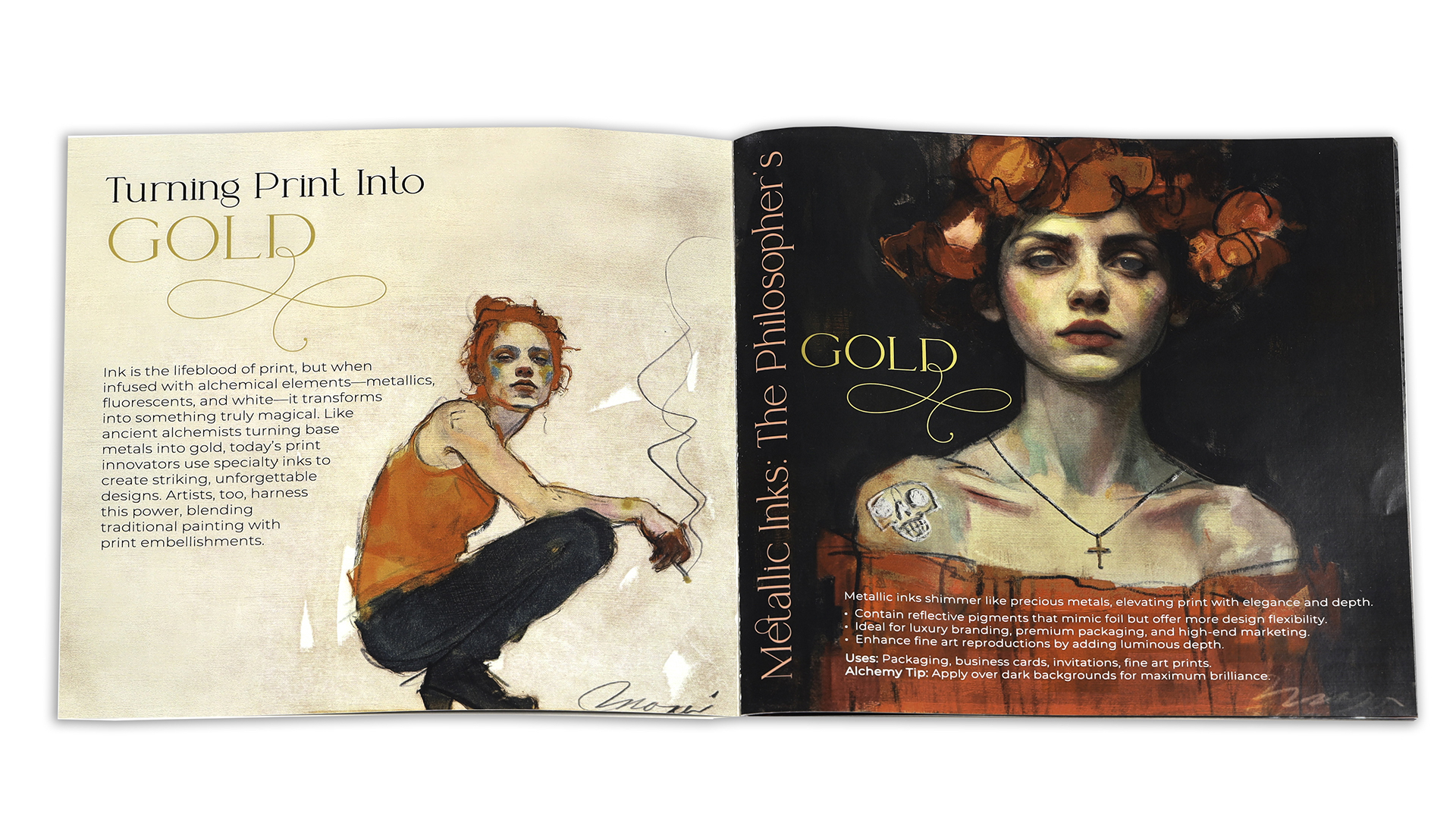
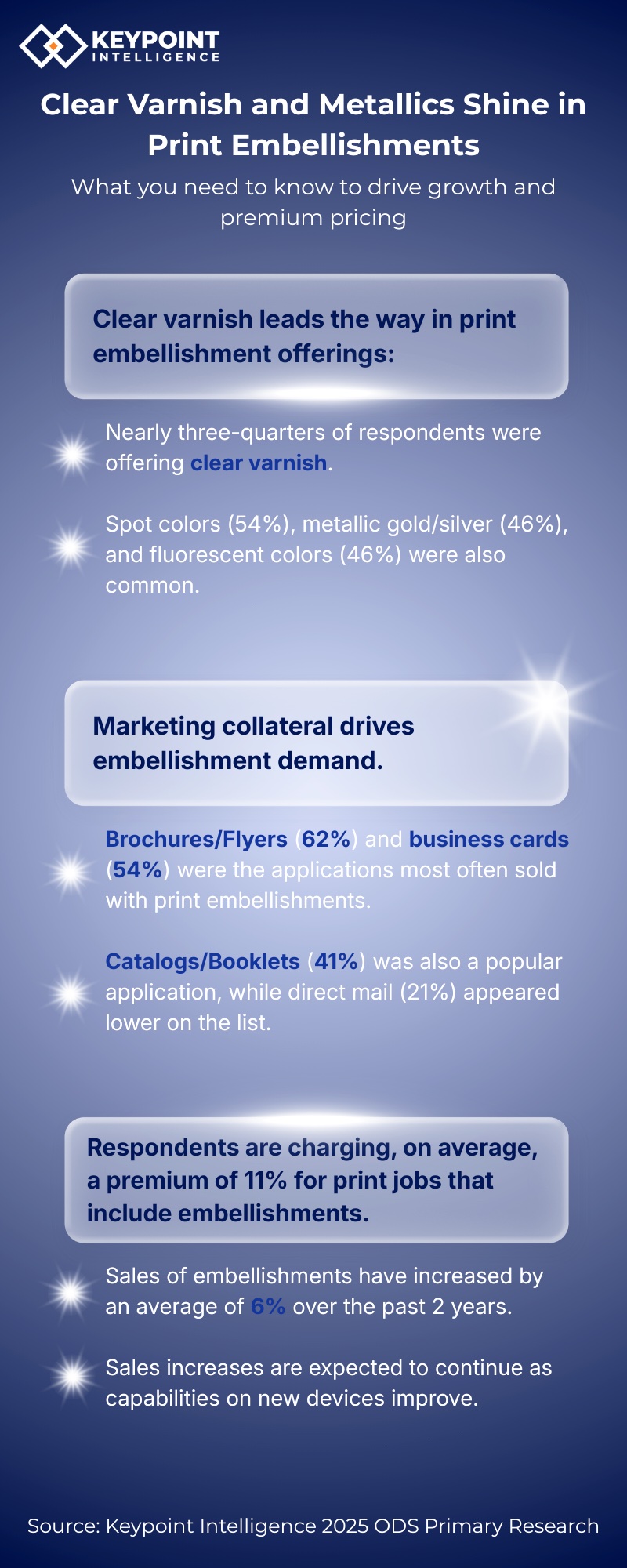
A raised gloss effect could make literally any print pop. The designer can identify impact zones, build layers, and preview the dimensional effect. Collateral, direct mail, packaging, labels, business cards, brochures, and invitations benefit from embellishments that convey prestige. Foil accents elevate logos, varnish adds contrast to imagery, and raised effects create tactile engagement, providing designers with the right software to make enhancements accessible without requiring them to become prepress experts.
What Designers Need
Designers are looking for an AI?powered design assistant built specifically to solve the embellishment confusion, speaking the language of designers and printers, bridging creative intent with production logic. A program which will supply:
- Automated Layer Generation
- Scans a design file and builds embellishment layers automatically.
- Create options/suggestions which are compatible with the embellishment process being used.
- Spot channels for foil, varnish, and raised effects are created with correct naming conventions and alignment.
- Automatic swatch, layer naming or overlay registration.
- 3D Interactive Previews
- Designers require view live 3D previews
- 3D preview of the live effect of foil, varnish and texture simulated reflectance and shadows.
- Production?Ready Output
- Precise press ready export files compatible with specific printer embellishment channel requirements.
- Little Hand Holding
- Designers need to also understand “why” a foil must be vector, why varnish needs transparency, and how raised effects interact with substrates.
- What effects are available from what printer and the effects offered.
- True project cost estimation of how each effect can add to the cost of production.
Can Embellishments Kill a Project? Absolutely!
Handing a designer full access to advanced effects is like giving a kid the keys to a candy store. Each effect or process can add complexity and costs to a print job. The designer needs to understand a “Good vs. Bad Embellishment” file which impacts production costs and the customer need to understand how effects will affect the project final price.
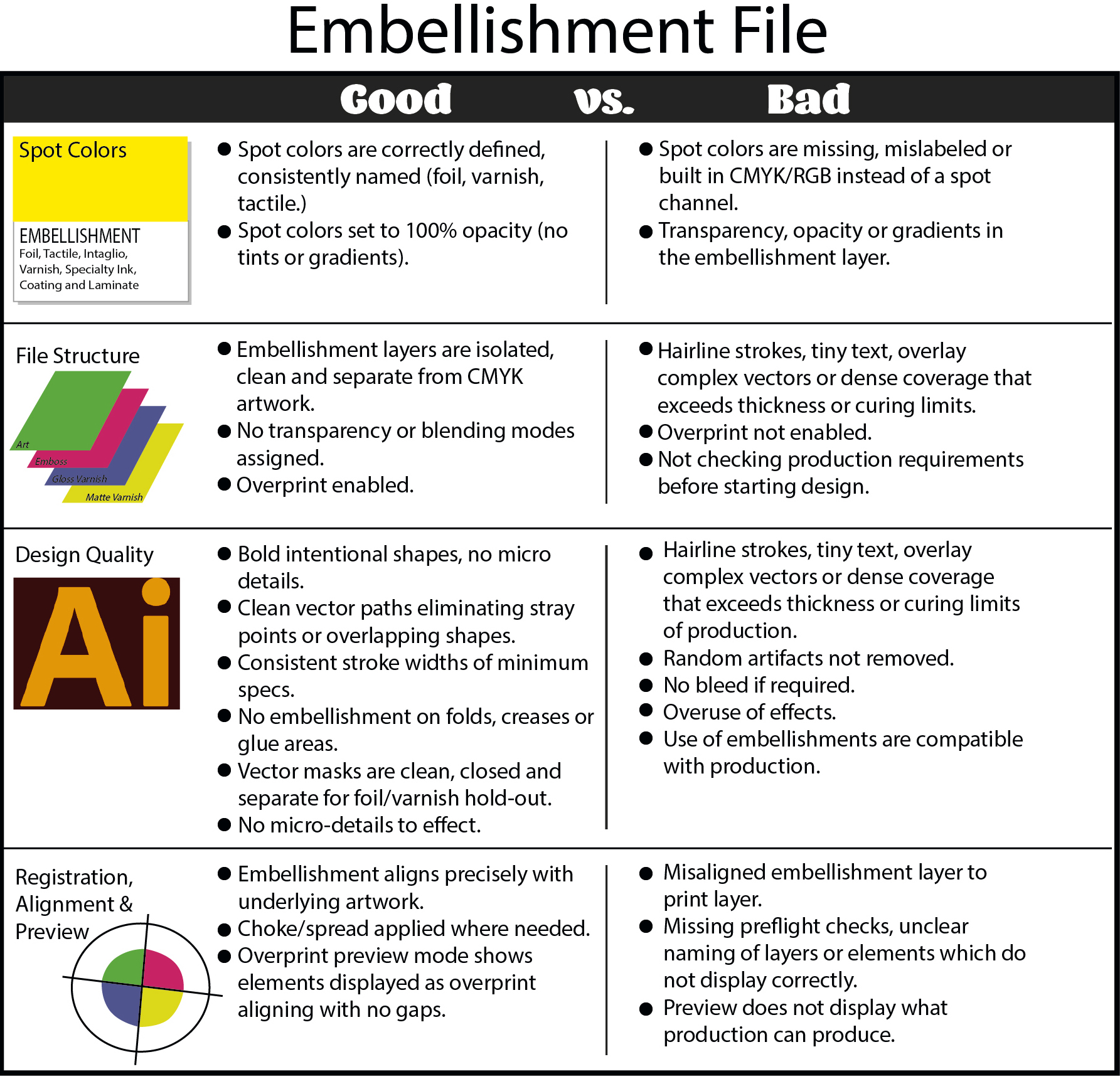
Designers are looking for a software which provides the help and creative solutions from design to production for embellishments.
Taktiful’s Cool Tools
The company Taktiful, has developed a cool and easy way to assist designers take control of their embellishment creativity while watching costs. Through their three software options, designers can create freely with the tools, options and support, allowing both the designer and customer visualize and estimate the final product in confidence.
- Kreator, still in testing, but releasing soon! It uses AI techniques to analyze images which create embellished options available to the designer based on their production options. Designers add effects within their own Adobe Illustrator file.
- Reaktor previews embellishment effects by creating a 3D browser-based version of the design file, with live rotation showing light and shadow refraction simulating physical samples allowing customers to view and approve remotely. Check out this cool visual showing real design preview 3D effects.
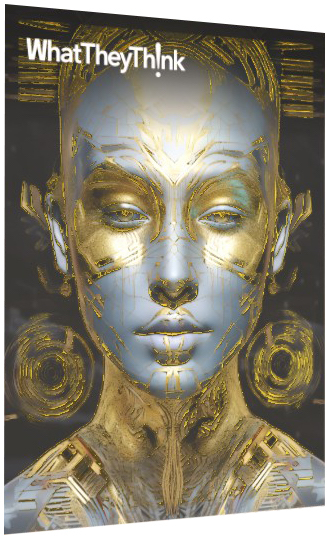
Clicking this image is like toggling on a mystery Spot?Foil/UV layer. Suddenly you’re moving and viewing shimmer, texture, and changing light refraction!
- Taktify is based on a custom costing database of the printer’s production pricing to help the designer and customer understand added costs associated with each added embellishment.
Instead of worrying about swatch naming conventions, layering and the complexities of press ready files, designers can now focus on how embellishments shape perception:
- Where should foil draw the eye.
- Where varnish should create contrast.
- Where raised effects should add tactile dimension.
- Visualize the depth of the dimension.
For designers, Taktiful’s software options removes friction that usually sits between a great idea and a production?ready file. Instead of wrestling with spot layers, naming conventions, embellishment logic or project killing costs, these tools provide the technical setup automatically and applies consistent rules every time. Designers can review their work in real?time 3D, validate that the embellishment structure is correct, and move forward without the back?and?forth that typically slows projects down. The result is a cleaner workflow, fewer revisions, fewer surprises at the press, and more time spent on the creative decisions that actually shape the final piece.
Kudos to Taktiful for donating software to schools and colleges, supporting creative students and preparing the next generation for print and embellishment. Thank you for your support, Taktiful!