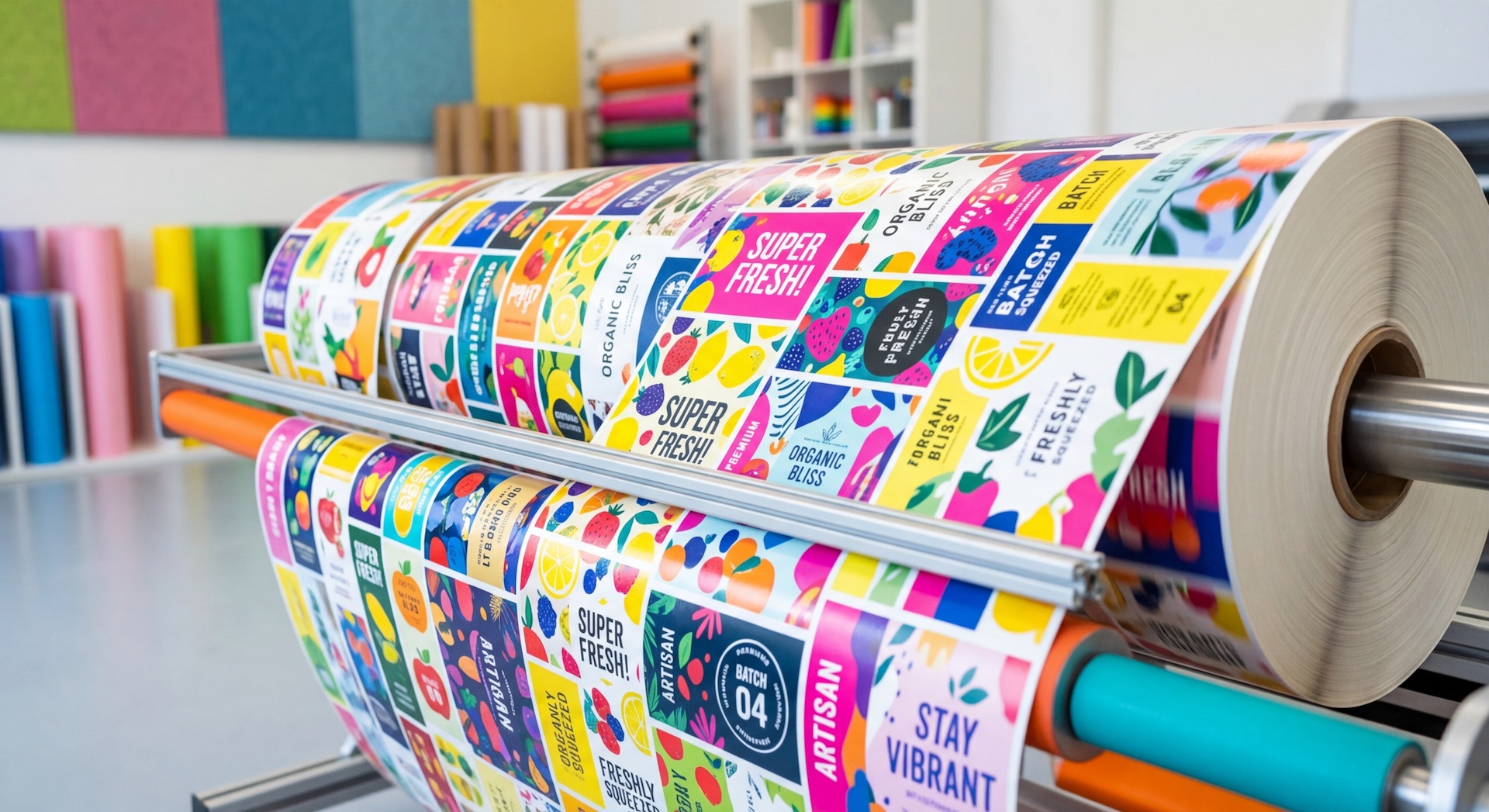
Inkjet for commercial and industrial printing are mostly using aqueous or UV ink. They may be jetting on media surfaces from metals, synthetics, plastics, glass and of course paper based substrates. Systems include flatbeds and single pass devices both off-line and in-line with product production, creating a host of issues which must be understood before any color management process can be developed.
Ink Management Before Color
No UV or aqueous ink is the same. Ink chemistry is initially designed for jetting speed, accuracy, and substrate compatibly and chemistry can vary largely from one device manufacturer to another. Printing on substrates which have low porosity or no porosity at all can affect print quality by showing print defects caused by jetting accuracy and/or ink to substrate compatibility.
There are many different areas defined for print quality, but one which is the most visually distracting is non-uniformity.
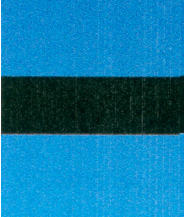
Non-uniformity can be seen as fine banding, bleeding/feathering and coalescence, but for this article we will focus on banding.
Banding is caused by jetting issues, alignment or head-head density differences which show up as visual deviation across or within a solid area of the print.
Banding
Large fill areas in inkjet show more defects or density differences than bitmap images because color areas are broken up into smaller sections which create more distraction. The larger the area and solid the color, the more visually obvious is defect becomes.
[caption id="attachment_4855" align="aligncenter" width="374"] Head-Head density differences causes visual banding[/caption]
Seen in solids more than in photographs, single pass banding is light to dark areas across the print and can be seen when printing any substrate with single pass process:
- Visual density shift across 1 or more single process colors:
- Inconsistent ink volume jetting from one print head to another
- Inconsistent head height
- Only see a visual density shift in mixed process colors:
- Inconsistency ink volume jetting from one print head to another
- Process direction timing is off for that head and it is jetting either too soon or late which is affecting the printed dither pattern which makes up the ink combination making up that color
- Density shifts inconsistently across the web:
- Media distance to the print heads vary across the web causing drop flight time vary effecting the size of the drop when it makes contact with the paper
- For paper, web is baggy and feeding at varying distances under heads
- Look down web as web is running to see if paper has a “wave” effect
- Paper coating could be inconsistent across web
- Check the printed paper down web to see if the pattern changes or goes in and out
- Density difference only on far ends of printer:
- Uneven cross process web tension is causing the edges of the web to curl closer to the print heads
- Large difference in age of print heads causing difference in drop volume or accuracy
- Density shifts inconsistently down the web:
- Pretreatment or coating on substrate not wetting out or applied consistently
- Corona or flame distance from the substrate not consistent or correct
- Seen in 30-60%:
- Midtone areas such as 30, 40, 50 and 60% of solid colors this effect will be seen
Such non-uniformity issues must be addressed before continuing with any color management. These issues will of course cause unwanted visual effects but will also affect any color profile created. Color shifts will continuously occur across the web if ink is not consistent in tone value.
Hire color teams who understand the color management process and ink and substrate compatibility and also have in-depth knowledge of single pass inkjet presses and processes.
Please check out my other articles to better understand the causes of banding and non-uniformity.