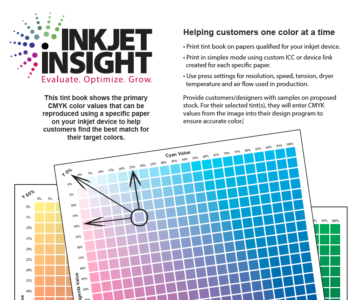
- Print in simplex mode using the custom ICC or device link profile created for each specific paper.
- Use press settings for resolution, speed, tension, dryer temperature and air flow used in production.
- Label each one with the paper name for reference

Commentary & Analysis
Pretty much everyone is familiar with the Pantone swatch / tint book which shows the CMYK, RGB and HTML values used to reproduce each swatch color, or tint, as accurately as possible in standard print and onscreen applications. The problem is that production inkjet is not really a “standard” print application.
Wednesday, May 15, 2019
WhatTheyThink is the global printing industry's go-to information source with both print and digital offerings, including WhatTheyThink.com, WhatTheyThink Email Newsletters, and the WhatTheyThink magazine. Our mission is to inform, educate, and inspire the industry. We provide cogent news and analysis about trends, technologies, operations, and events in all the markets that comprise today's printing and sign industries including commercial, in-plant, mailing, finishing, sign, display, textile, industrial, finishing, labels, packaging, marketing technology, software and workflow.

The Print Buyer Has Changed. Has Your Strategy?
10 Things PSPs Should Consider Before Adopting Robotics: What You Need to Know to Begin the Journey
Why Highly Targeted Communications Make Digital Print Essential to Modern Marketing
Wide Format in 2026: How Technology Is Reshaping Competitive Advantage
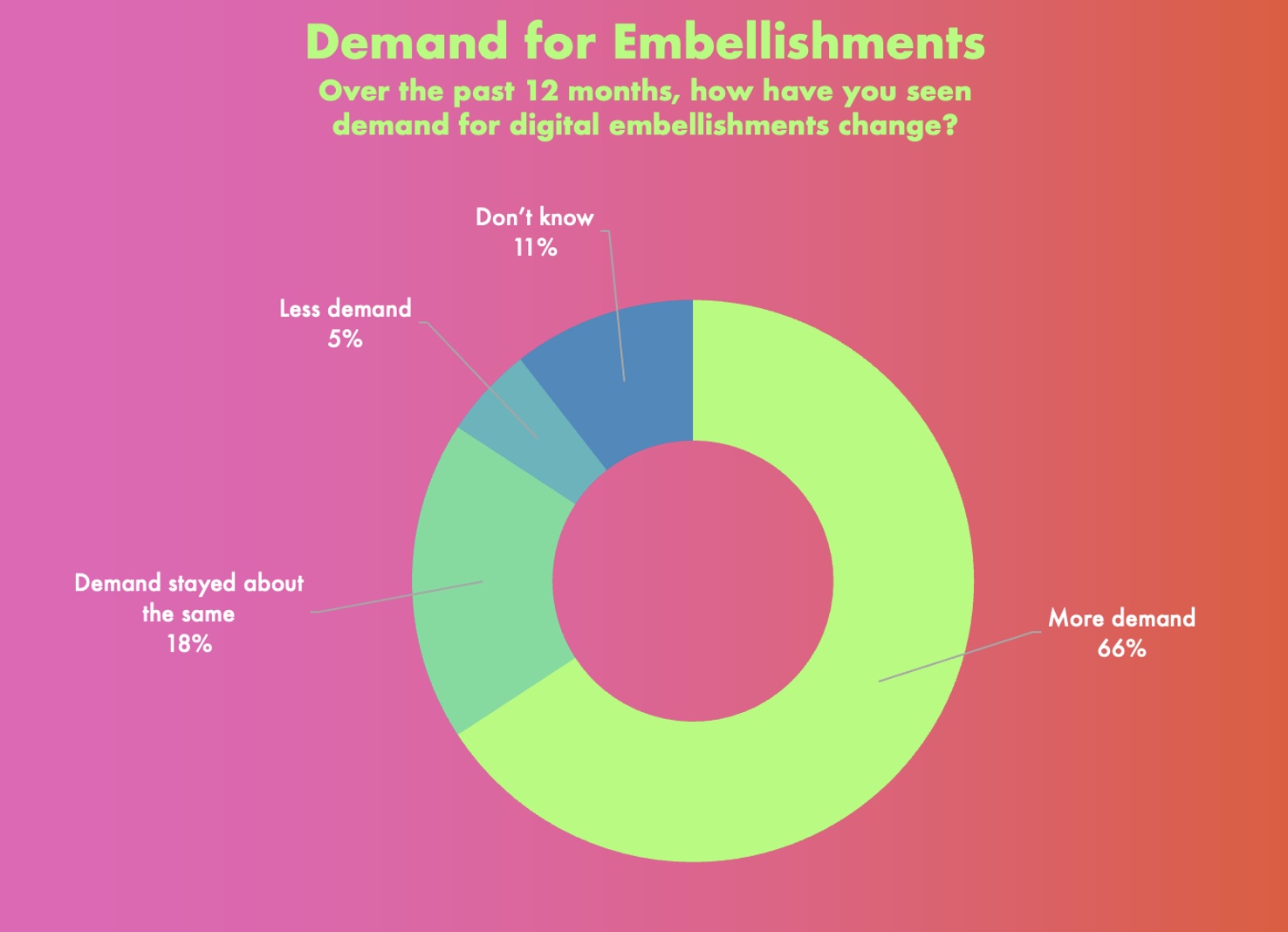
In the latest Taktiful/WhatTheyThink 2026 Embellishment Study, two-thirds of users of digital embellishment equipment said they have seen more demand for digital embellishments in the past year, up from the 29% who said this in last year’s survey. Eighteen percent said demand has remained about the same (down from 56% last year), and only 5% have seen less demand for embellishments, down from 9% last year. Read More

Last month’s Typographics 2026 was a two-day conference devoted to type, language, and visual culture. Ghost Font is an attempt to keep AI from stealing content. Inkjet printing can be used to make inexpensive OLED displays. “What happens when a type foundry stops designing fonts as static objects and starts designing them as living systems?” An art vending machine. An artist who makes intricate sculptures out of paper. Germany’s the Kugelhaus was a spherical, six-story steel building. The first person in England to use an umbrella was treated to insults and abuse. Graphene oxide composite enables a flexible memristor for low-light artificial vision. “Weird Al” declined to be an AI company’s spokesman. A 1,478-piece “X Files” LEGO set. Could wet coffee grounds be used to generate cleaner sources of energy? Welcome to WhatTheyThink’s weekly miscellany. Read More
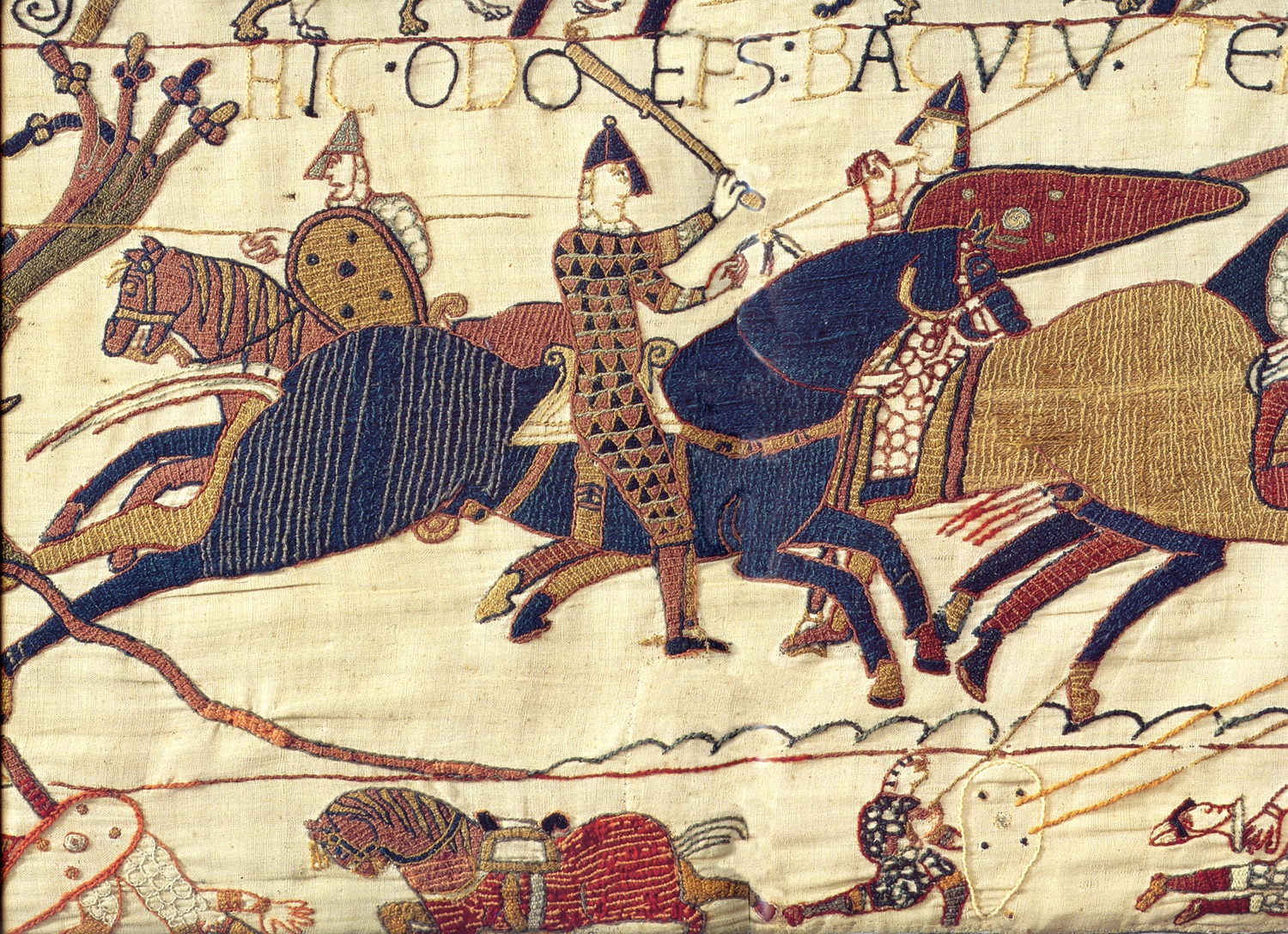
Brits snap up tickets to see the Bayeux Tapestry. The Pittsburgh Post-Gazette just got its existence renewed. What is the best clothing to wear to keep cool? Probably not leather made from Tyrannosaurus rex cells. Aw, shucks, we missed it: July 16 was “AI Appreciation Day.” A group of Italian students constructed the world’s largest paper airplane. The age-old problem of justifying calligraphic text, like Arabic. A laser-induced graphene sensor enables dopamine detection in tears. A hospital for…houseplants? The first robot to appear in a movie. An electronic nose that can detect food spoilage, food-borne pathogens, and allergens. Welcome to WhatTheyThink’s weekly miscellany. Read More

No third-party integrations. No disconnected systems. DynamicsPrint® extends Microsoft Dynamics 365 F&SCM with print-specific ERP designed to scale globally with your business. Read More
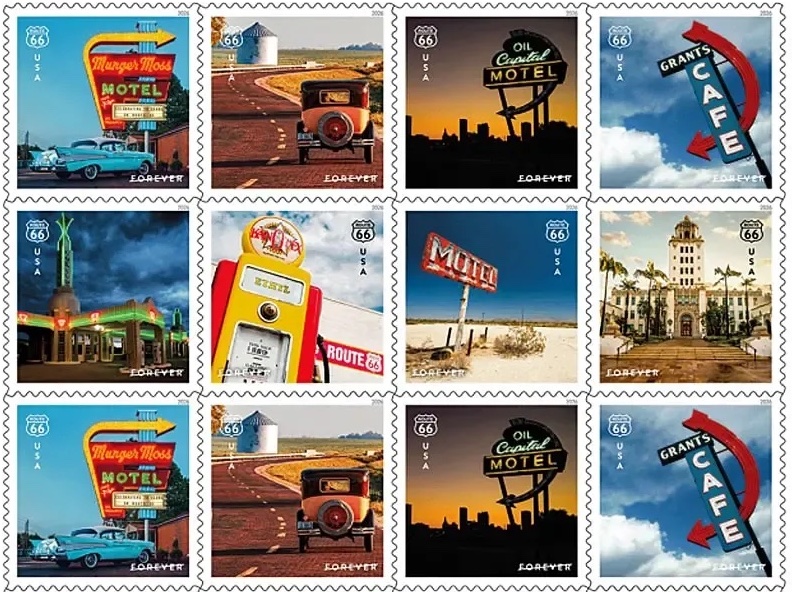
The 1835 “Moon Hoax” made ridiculous news stories credible. The USPS is issuing the 2026 Route 66 Centennial Stamp Collection. Highlights from the recent Sustainable Brands Conference. Researchers have created what might be the most accurate mathematical representation of color perception ever. When in North Dakota, visit the Theodore Roosevelt Presidential Library, which opens tomorrow, July 4. An Etsy gardening scam features AI-generated plant images and fake seeds. Good grief: corneal tattooing is a thing. Graphene radar-absorbing coatings for defense use. If you missed Monday’s Strawberry Moon, more moons are coming. Answering the burning question: “do bug zappers still exist?” Turn any water bottle into a water vessel for dogs. Is there any advantage to “alkaline water”? Welcome to WhatTheyThink’s weekly miscellany. Read More