- What can they expect on each paper you offer?
- How do results differ from your standard performance mode to high-quality mode if available?
- Will images look very different if saved in 300 dpi instead of 600 dpi?

Commentary & Analysis
One challenge that companies new to inkjet face is to move customers from a model where they control paper buying to one where they are expected to choose from a list of approved papers. Another challenge is to get customers to send files that are designed appropriately for the paper selected and the device it will be produced on. One tool that can help with both of these challenges is what is known as a fingerprint file.
Thursday, March 02, 2017
Elizabeth is the former Editor and Co-founder of Inkjet Insight. She has a rare ability to see print related issues from many perspectives. She has managed creative teams on complex design projects, selected outsourcers for major brands and helped print organizations to retool operations, focus their market positioning and educate sales teams to accelerate growth. She works with a team of top analysts to translate experiences into tools, data and content to help print organizations evaluate the potential of inkjet, optimize their operations and grow pages profitably. She is a founding member of the Inkjet Summit advisory board, the co-author of an award-winning book on designing for inkjet and a curious consultant constantly seeking innovative ways to drive new pages onto inkjet presses.

10 Things PSPs Should Consider Before Adopting Robotics: What You Need to Know to Begin the Journey
Why Highly Targeted Communications Make Digital Print Essential to Modern Marketing
Wide Format in 2026: How Technology Is Reshaping Competitive Advantage
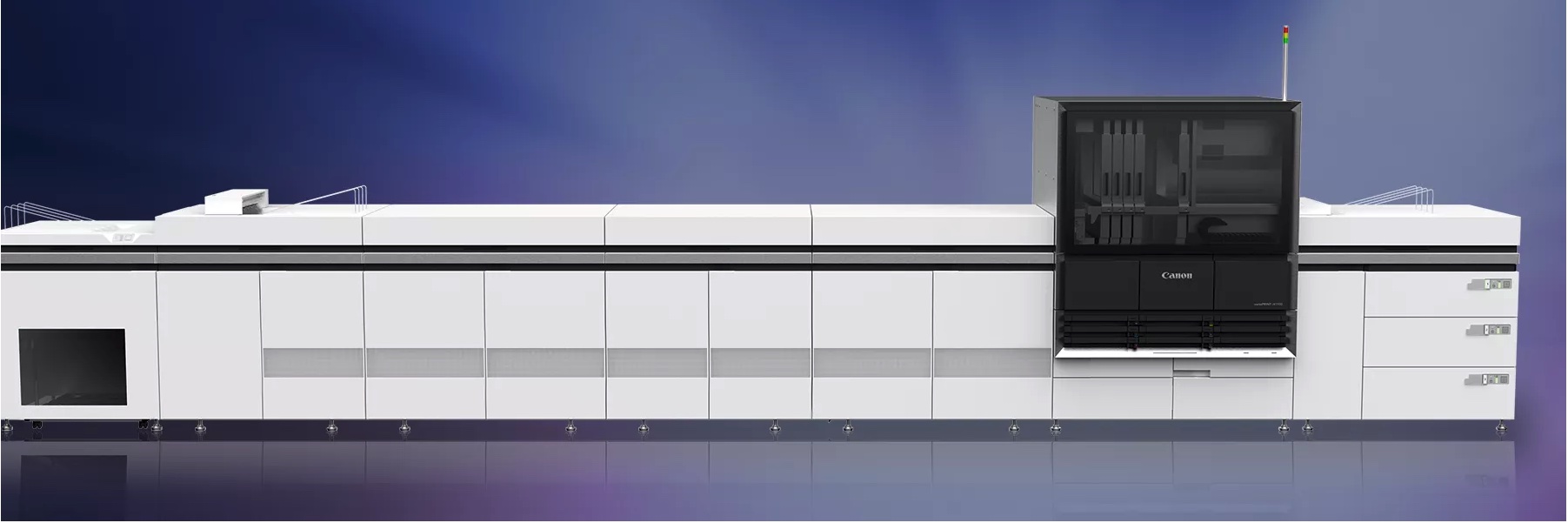
A B3 sheetfed inkjet press can fill a variety of needs, from making inkjet accessible to a small print operation to enabling cost-effective reprinting and job flexibility to larger shops with continuous inkjet presses. This article covers the currently available presses, their reseller channels, and the outlook for the eagerly anticipated graphic arts additions to the fold. Read More

Is your printing press a Millennial or even a Boomer? Is it older than the people running it? Is the cost of printing plates cutting into your bottom line every time you fire up the press? Let’s look at how you can get a little relief without ditching the technology you know and love. Read More

From flutes to functions there are facts you should know before investing in inkjet for corrugated. Read More

Investing in a production inkjet solution is a major expenditure and the beginning of major changes for the organization. Heres how to ensure that new hardware and software will help make money – either by doing more for the customers you have or by attracting new customers. Read More

Get the most out of customer tours and demos with some tips from Dan Adams Read More